
BavarianSimTec | ControlCenter

Couldn't load pickup availability
Pickup available at Coomera Warehouse - By Appointment Only
Usually ready in 24 hoursPickup is currently only available by appointment only during business hours. Please contact us to arrange a time.
Brands You Can Trust
Manufacturer Warranty
Fast and Affordable Shipping
30 Day Returns

More Buttons. More Control.

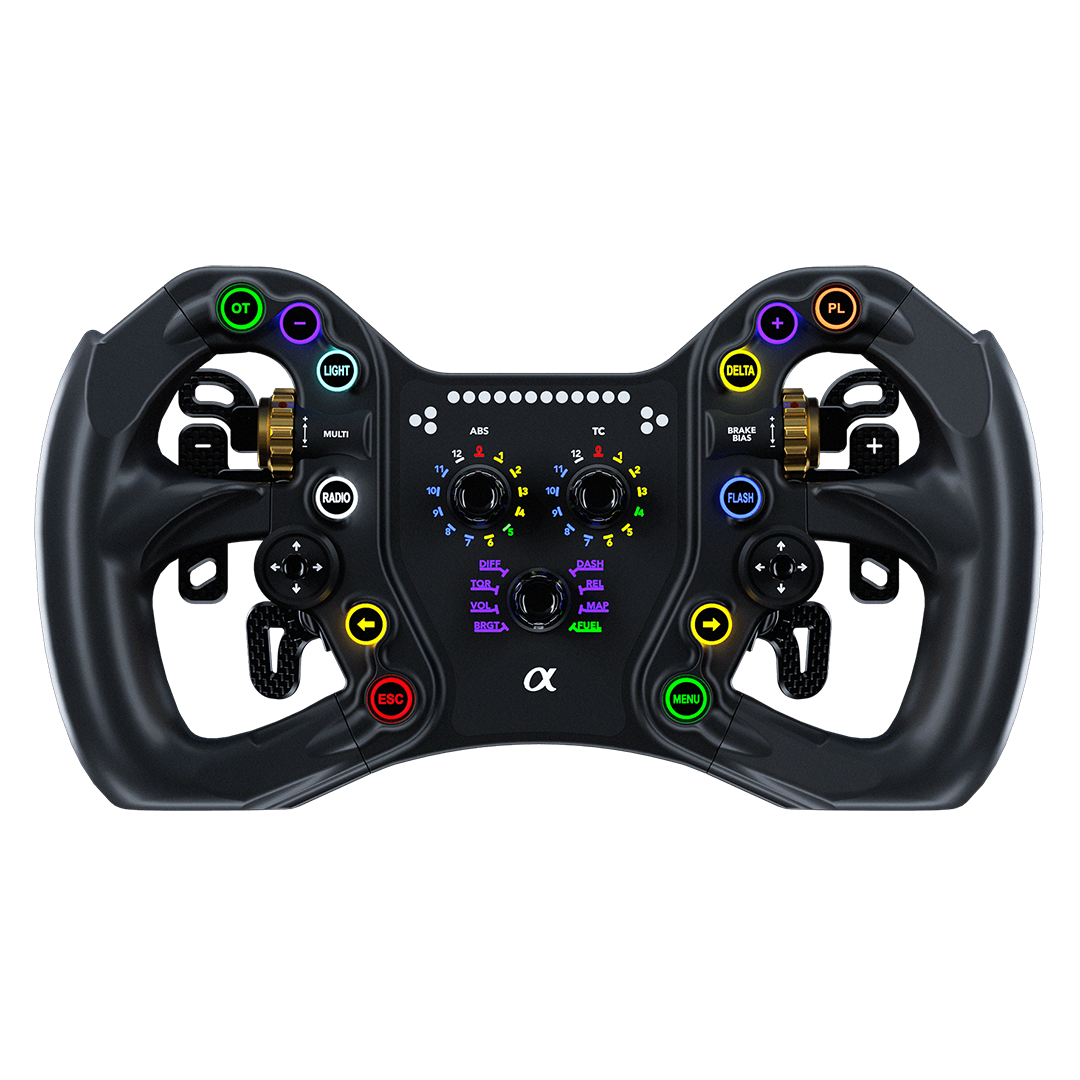
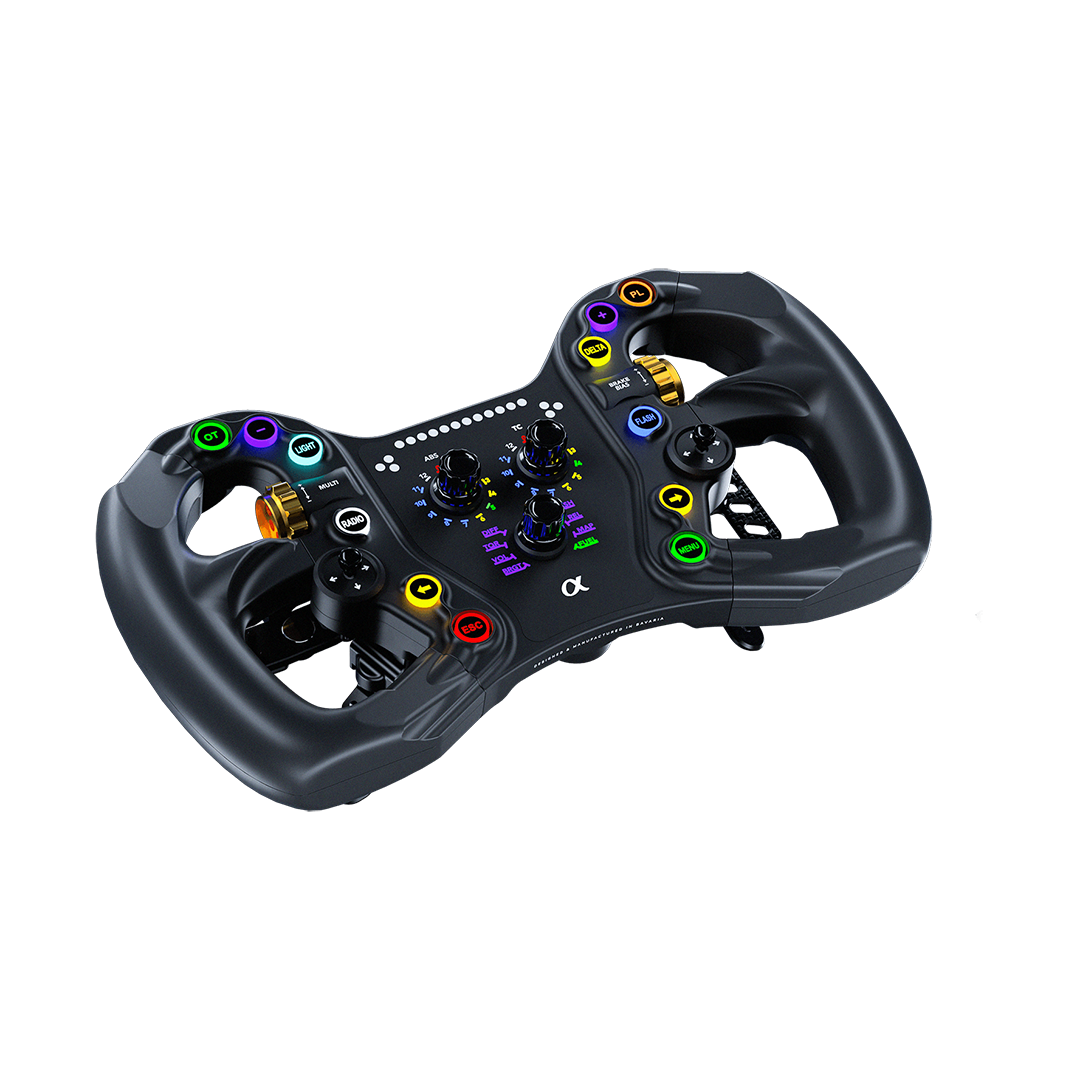
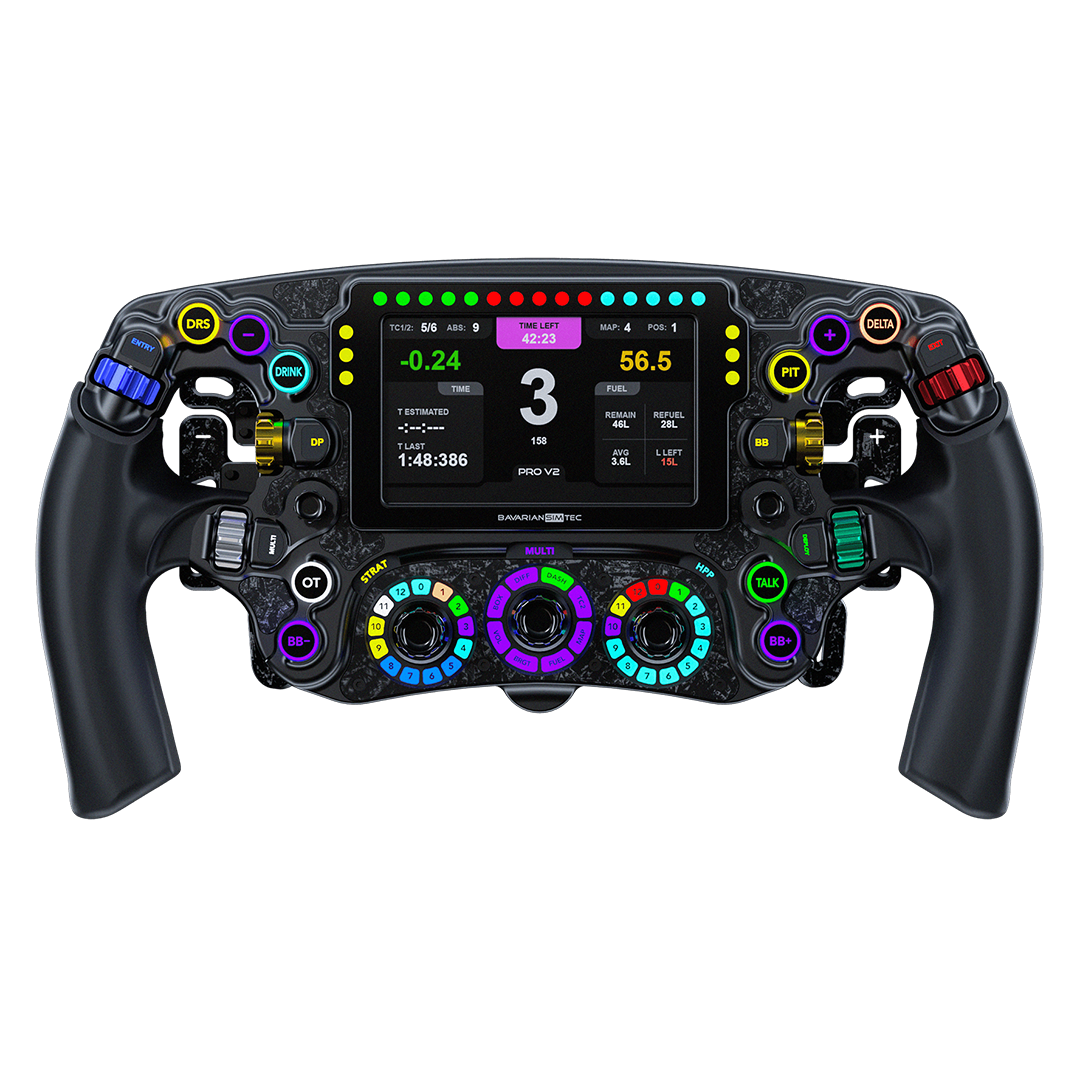
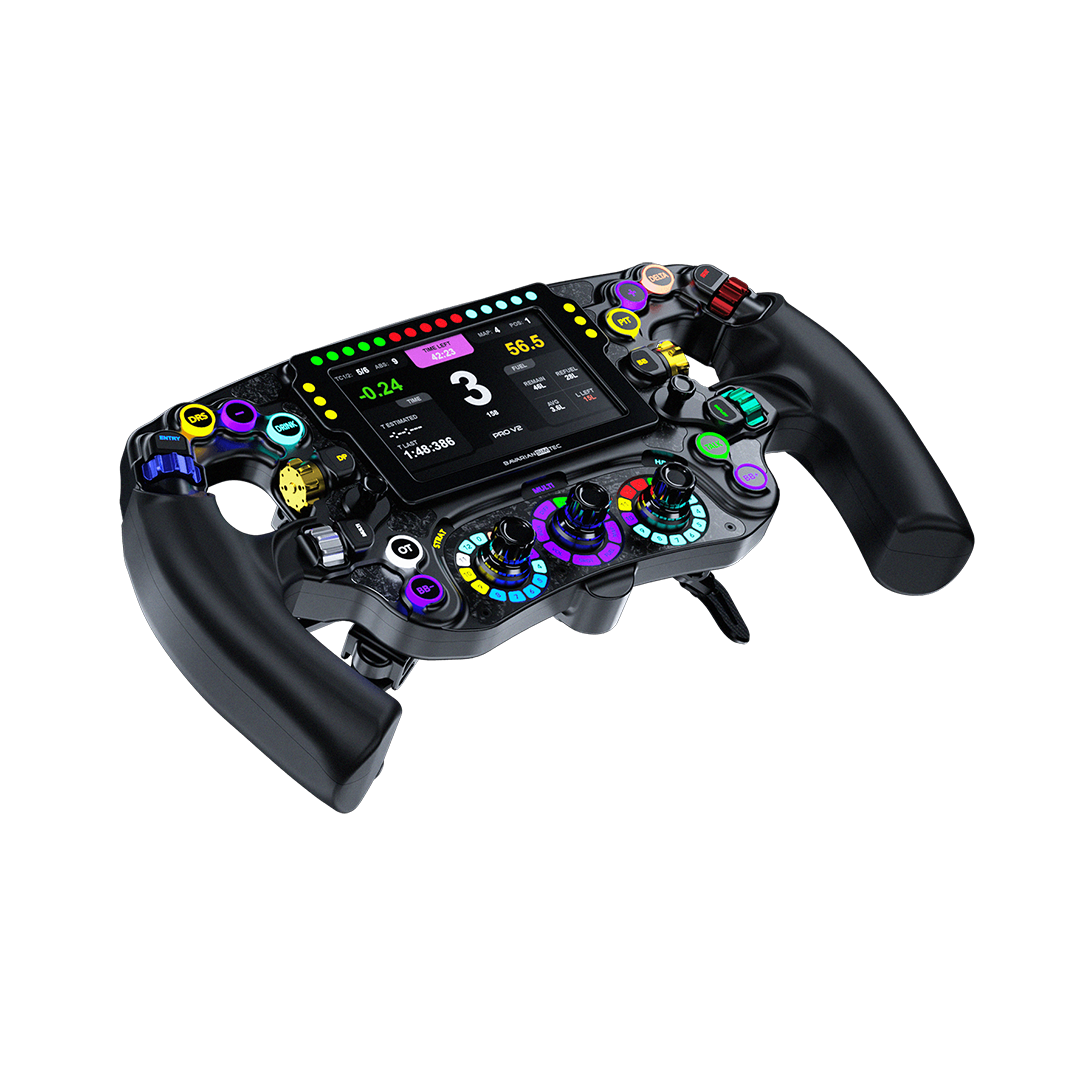
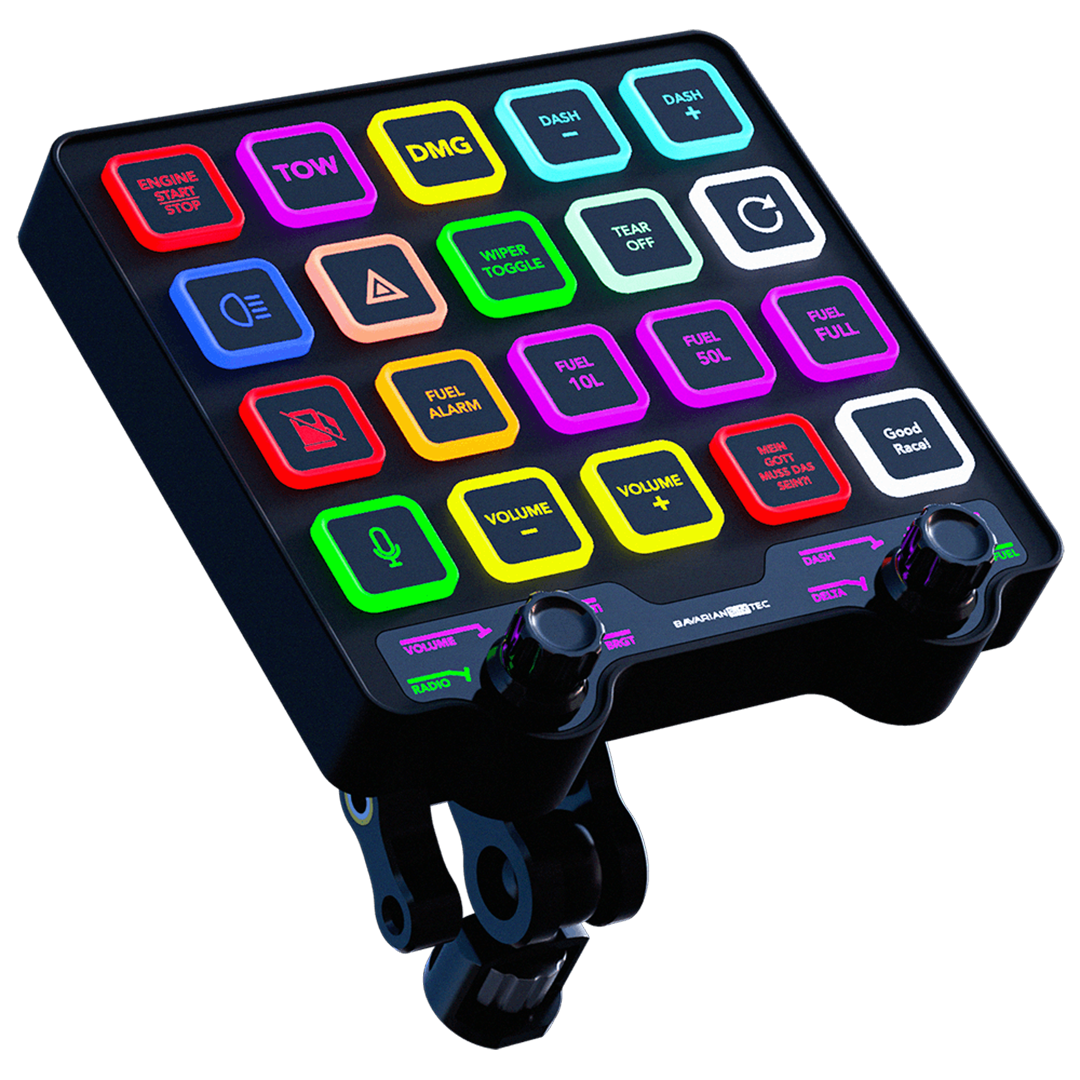
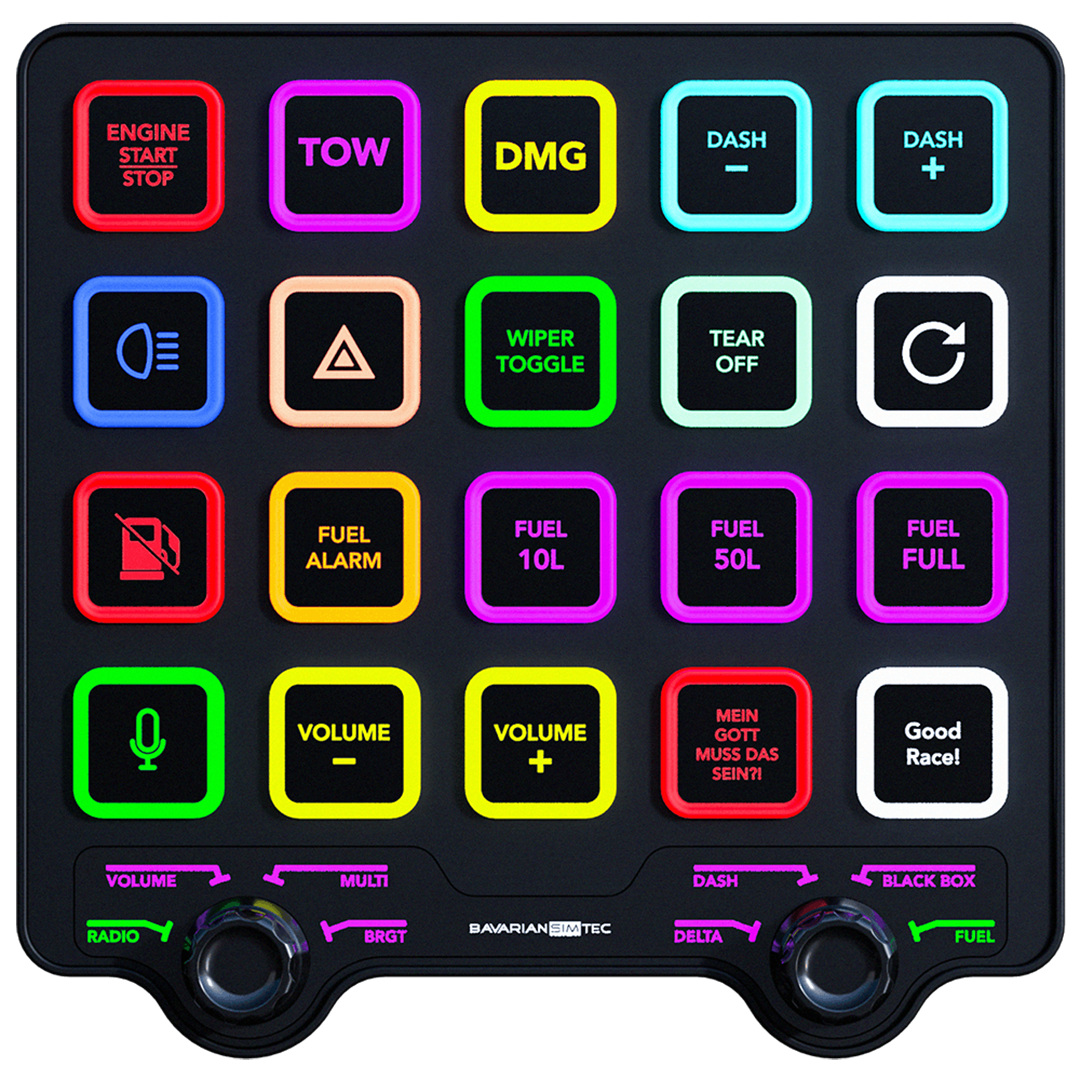
The ControlCenter is BavarianSimTec's premium command module — a compact, CNC-machined 6061 aluminium button box purpose-built for sim racers who want every critical function within immediate reach. Twenty RGB backlit tactile buttons, dual multi-encoders with AdaptiveBeamTec, an integrated 3-port USB-C hub, and the MagicArm mounting system combine to put total cockpit command at your fingertips. Designed and manufactured in Bavaria. Plug in and race.
- 20x RGB backlit illuminated tactile buttons
- Dual multi-encoders with AdaptiveBeamTec technology
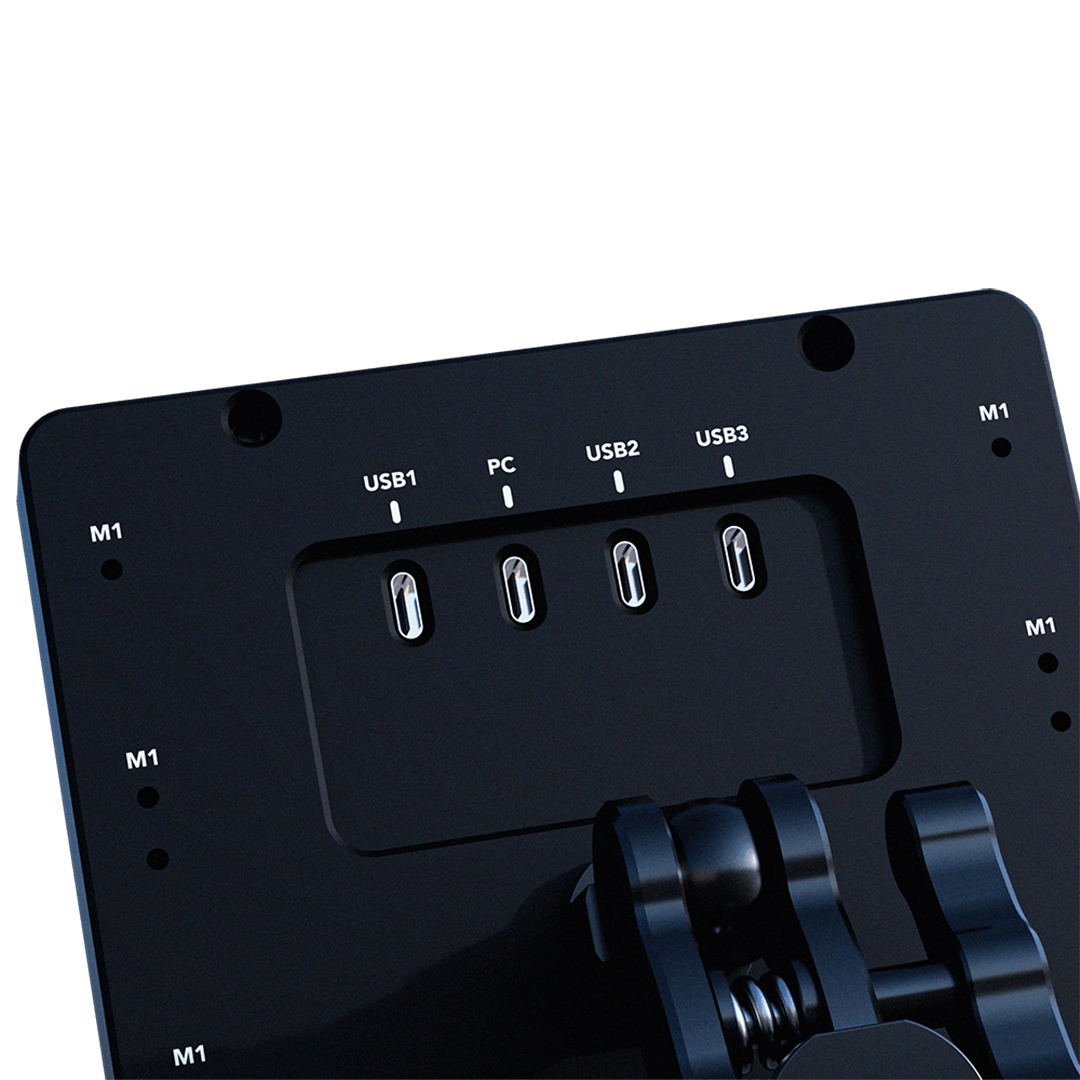
- Integrated 3x USB-C hub ports for clean cable management
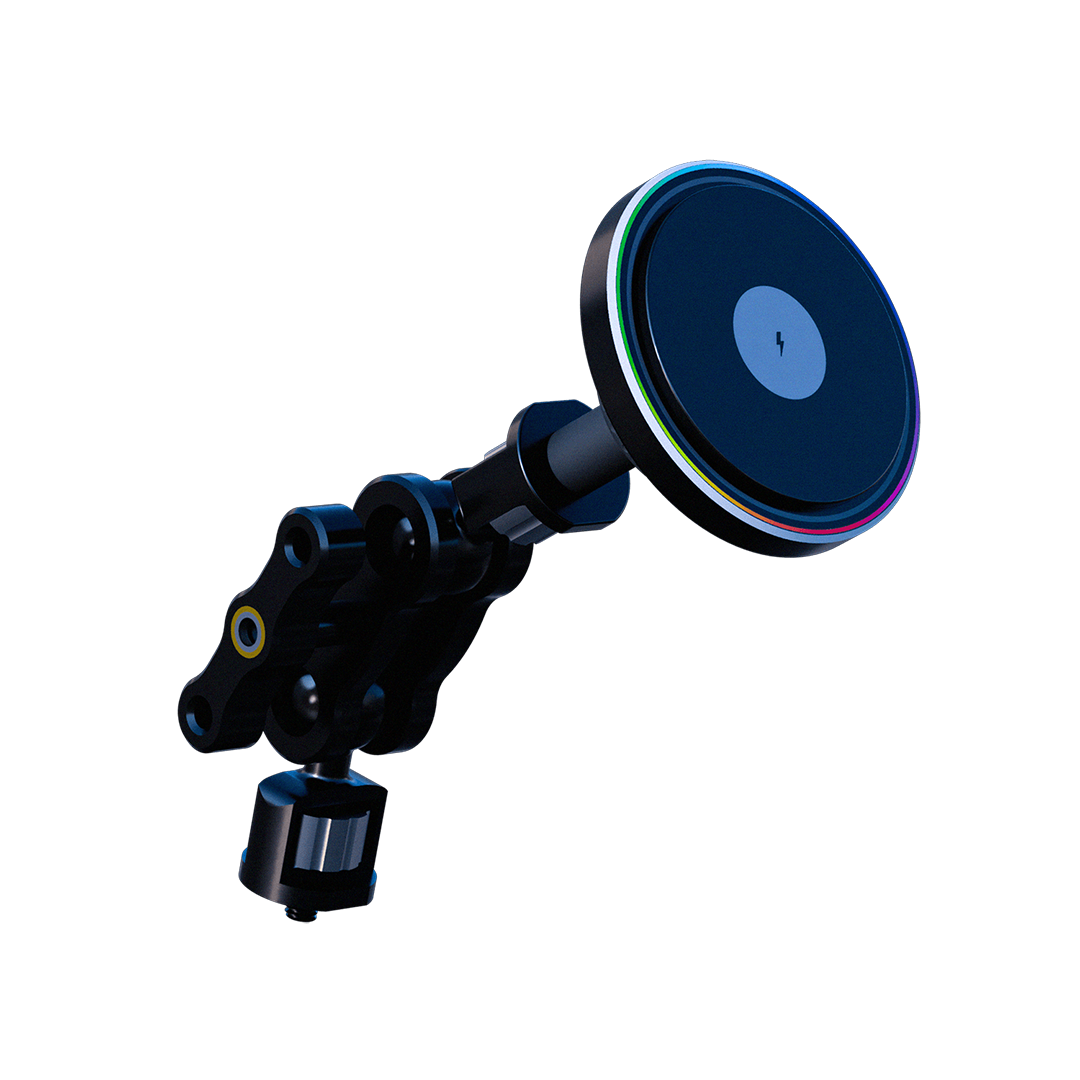
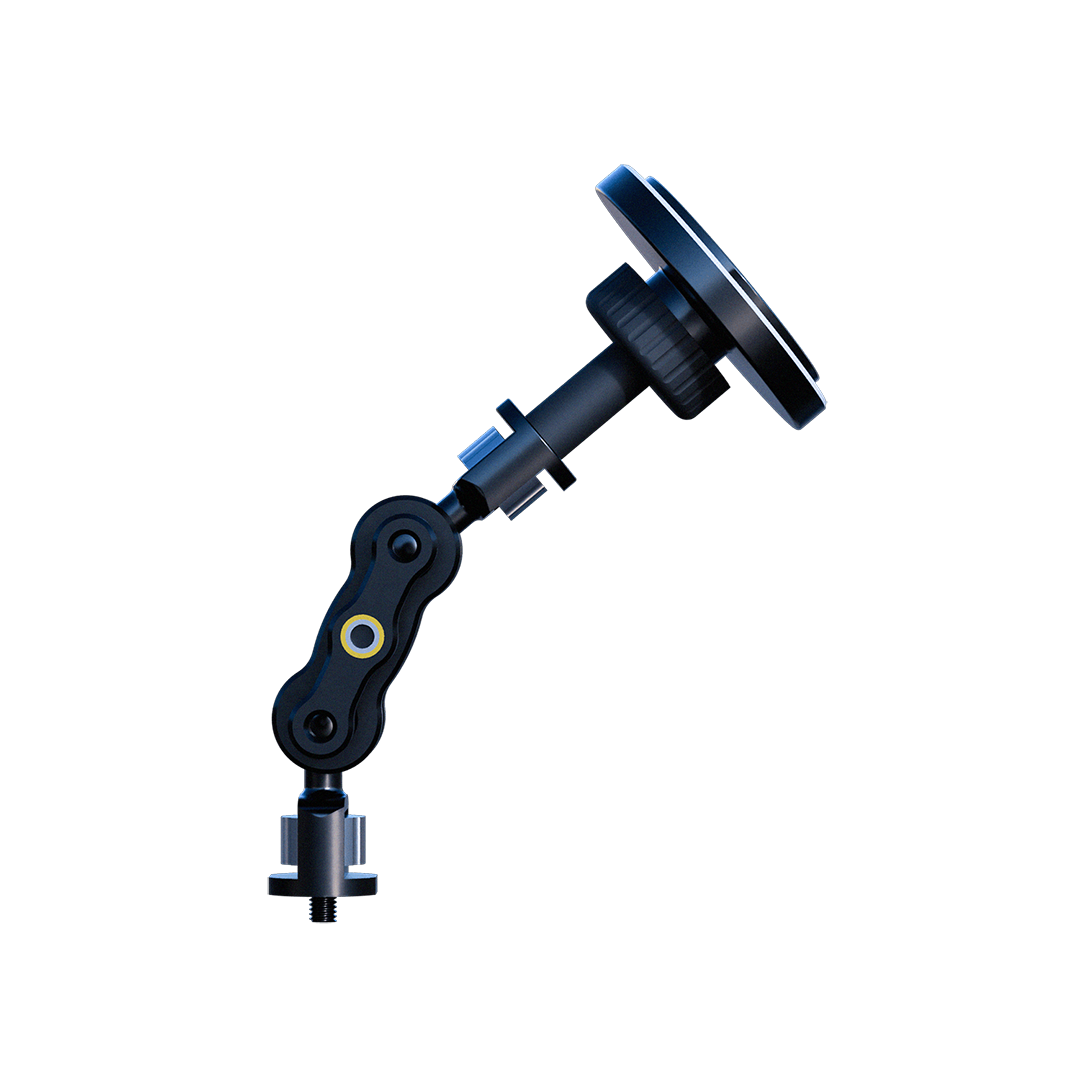
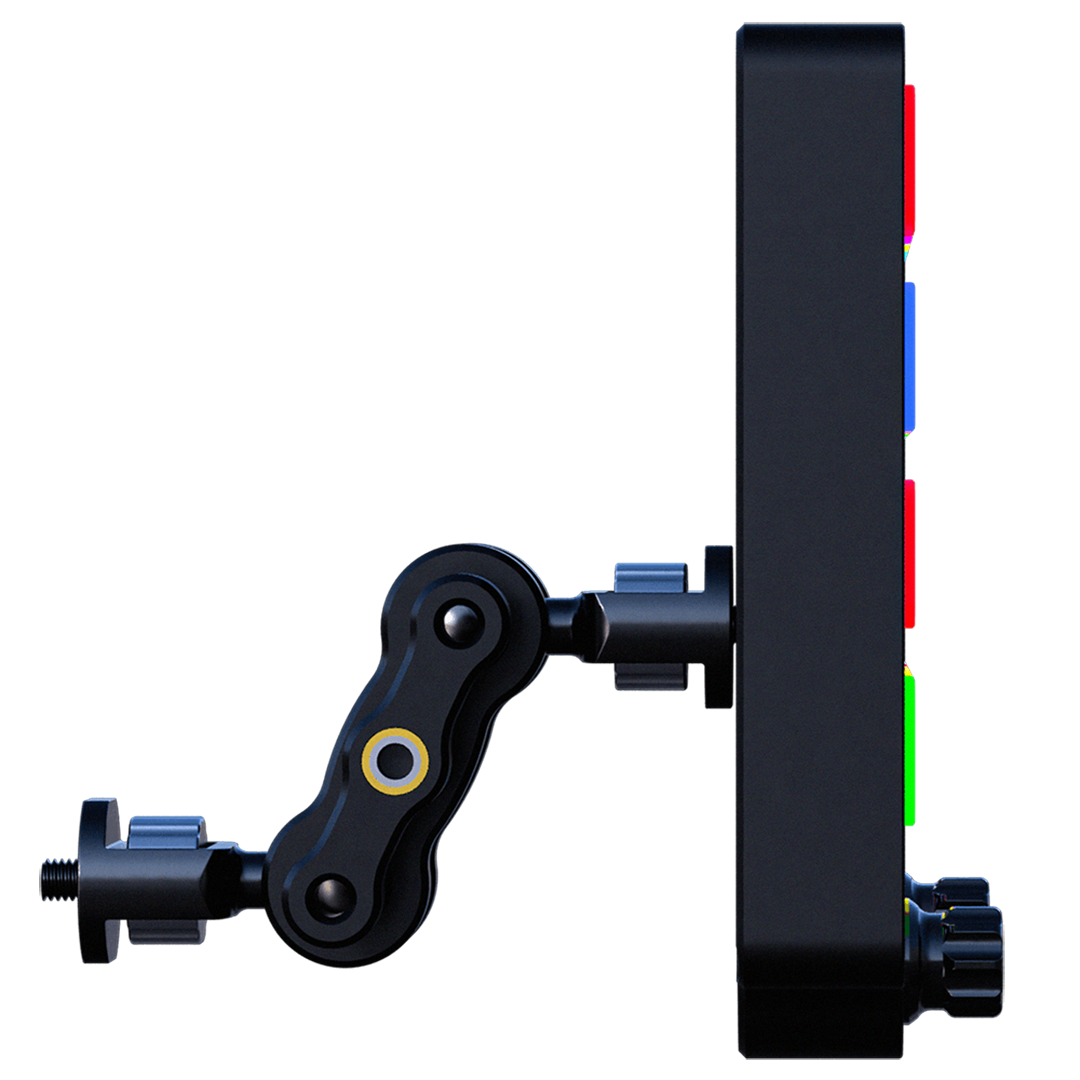
- MagicArm mounting system — 360° adjustment, mounts to standard aluminium profiles
- Full 6061 CNC-machined aluminium body with custom injected ButtonCaps
- PitStopApp and SimHub compatible — plug and play
Every Function. Instantly Accessible.

The ControlCenter places all essential race functions within immediate reach — engine start/stop, pit limiter, fuel management, dashboard control, radio, wiper toggle, tear-off, and more. Every button is labelled, RGB backlit, and sized for fast, confident pressing even in the heat of a race. The layout is optimised for muscle memory, minimising mis-presses when it matters most. Two multi-encoders with AdaptiveBeamTec sit below the button grid, adding rotary control for fine adjustments without adding clutter.
Built to Last. Connected to Everything.

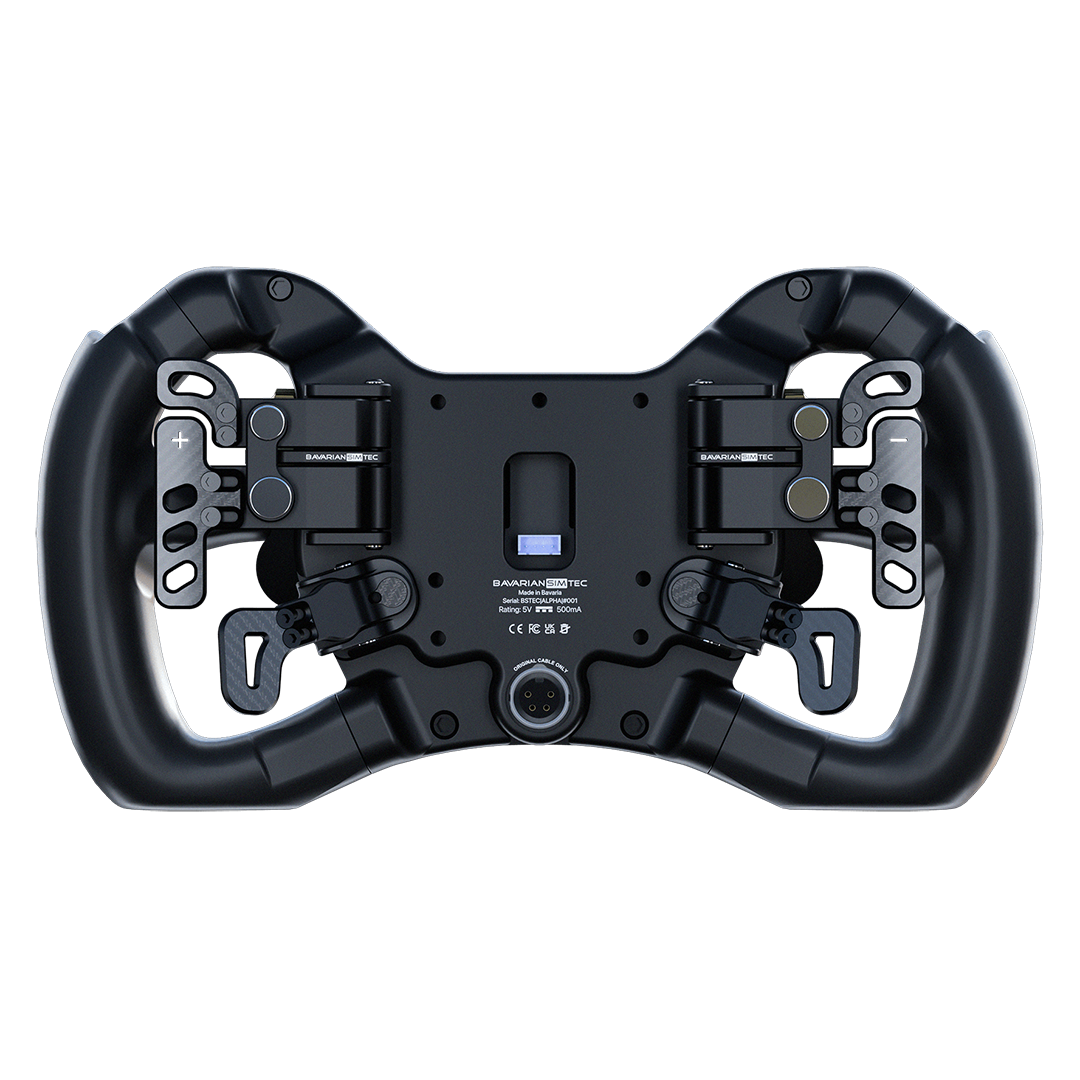
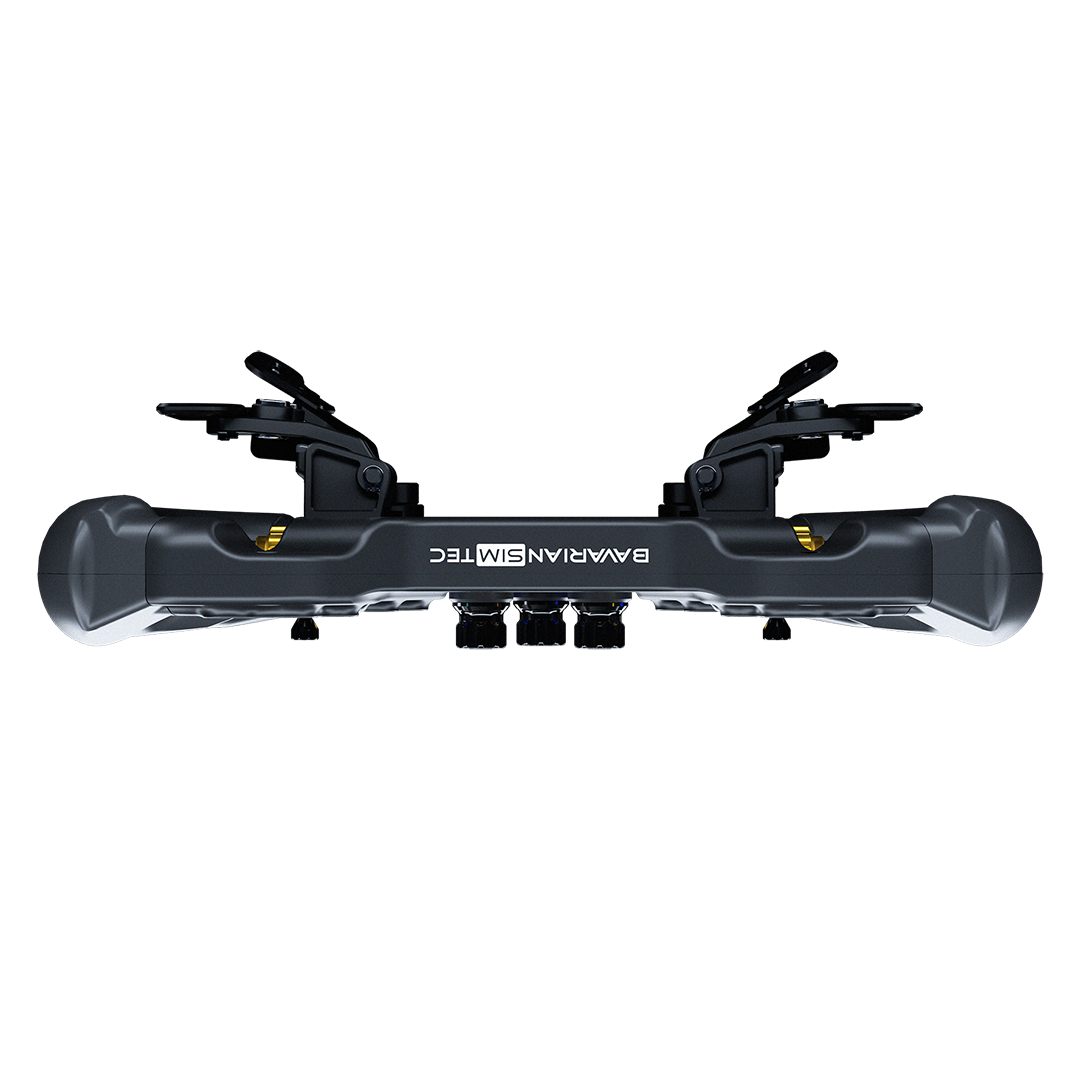
The full 6061 machined aluminium body with custom injected ButtonCaps and aluminium knobs gives the ControlCenter a premium feel that matches any high-end sim rig. Three rear USB-C hub ports mean you can connect keyboards, mice, or additional peripherals directly to the unit — keeping cables tidy and your rig clean. No separate hub required.
Redefining Mounting — MagicArm

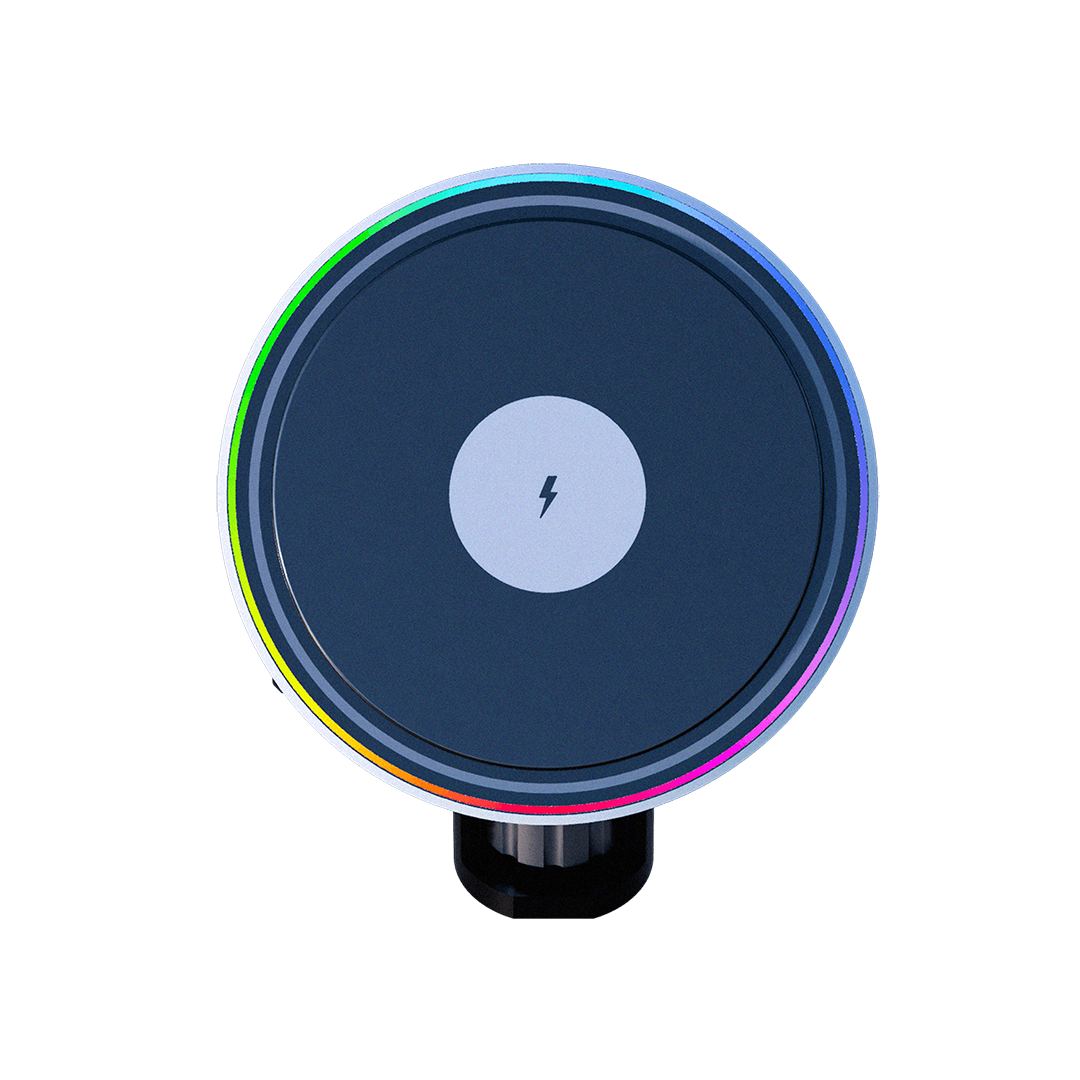
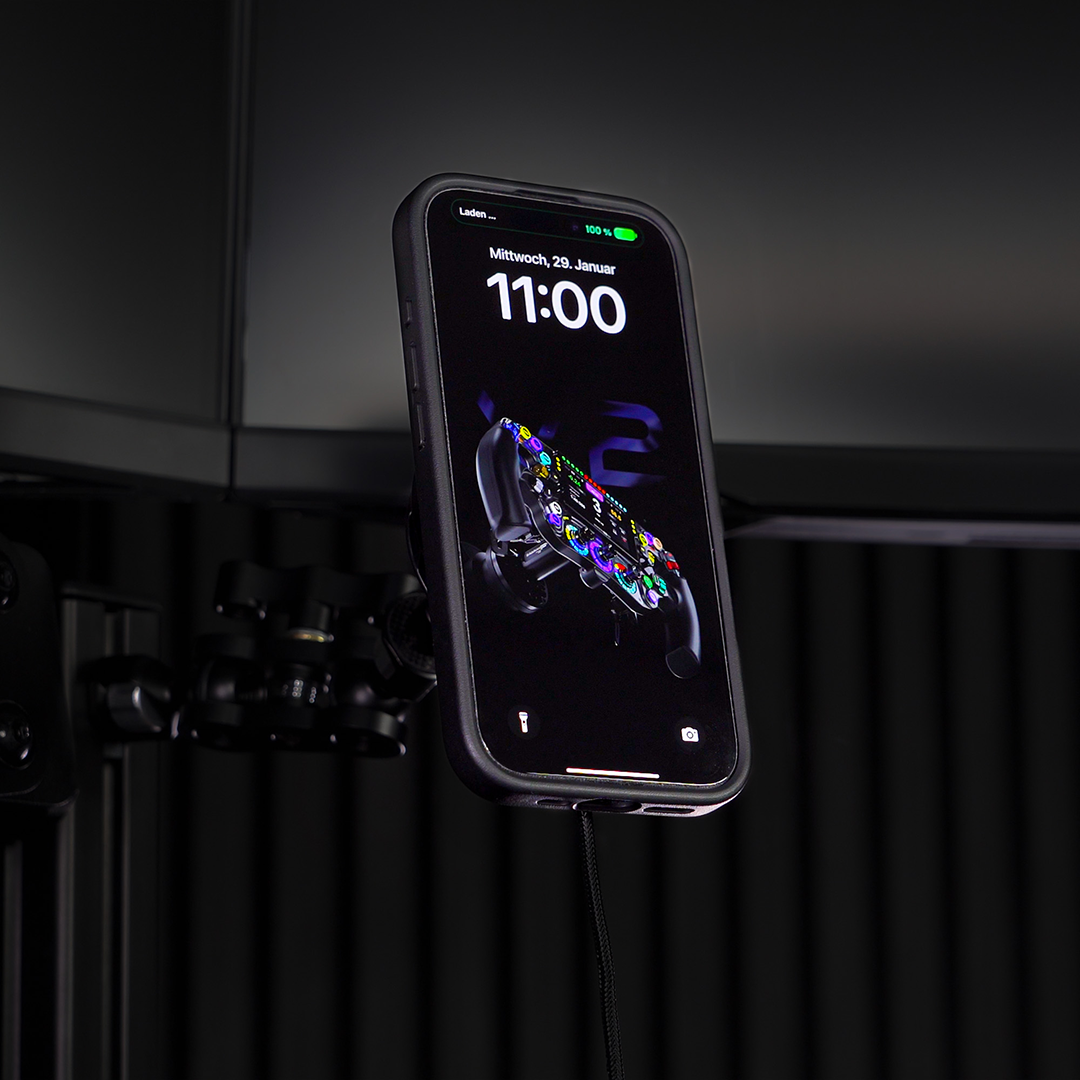
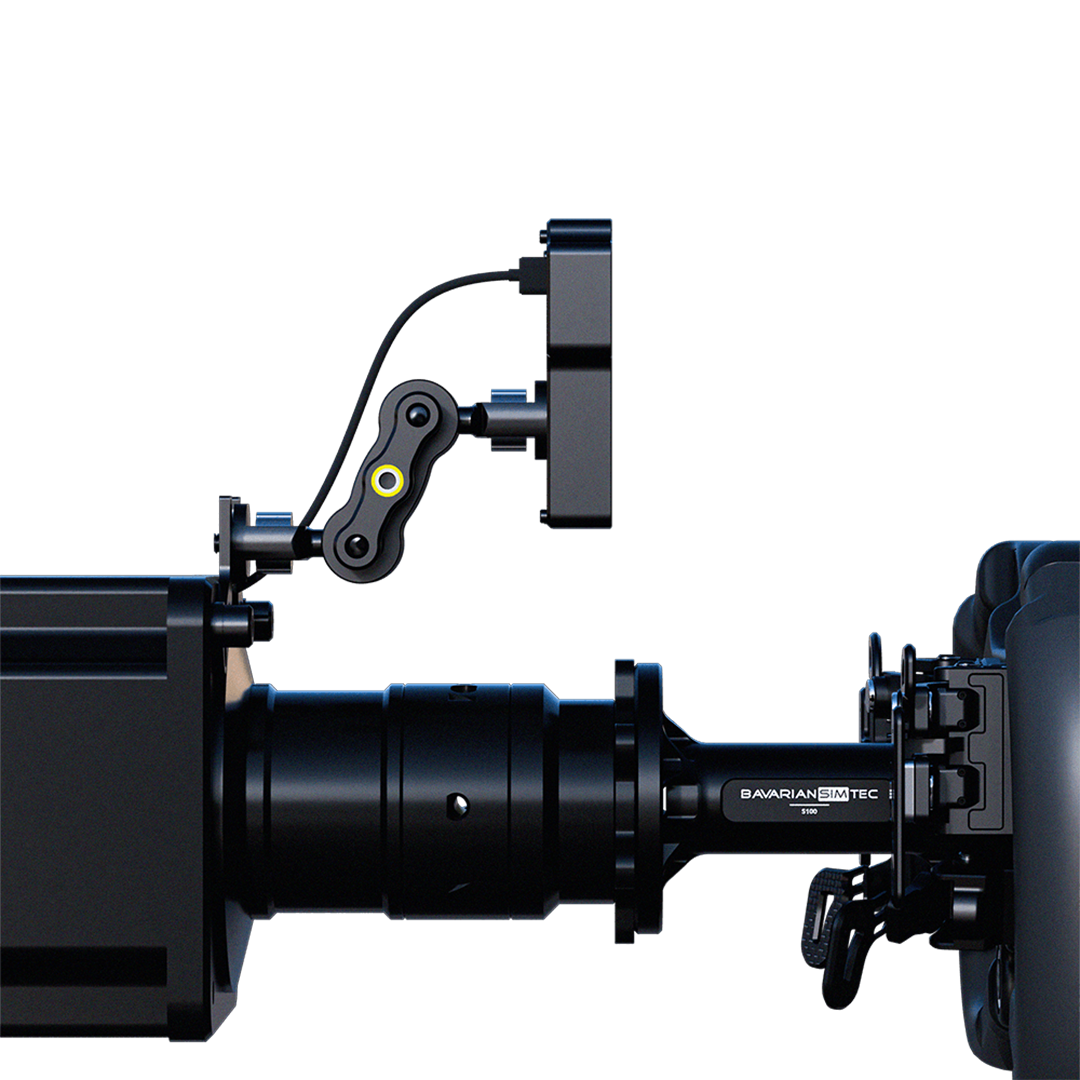
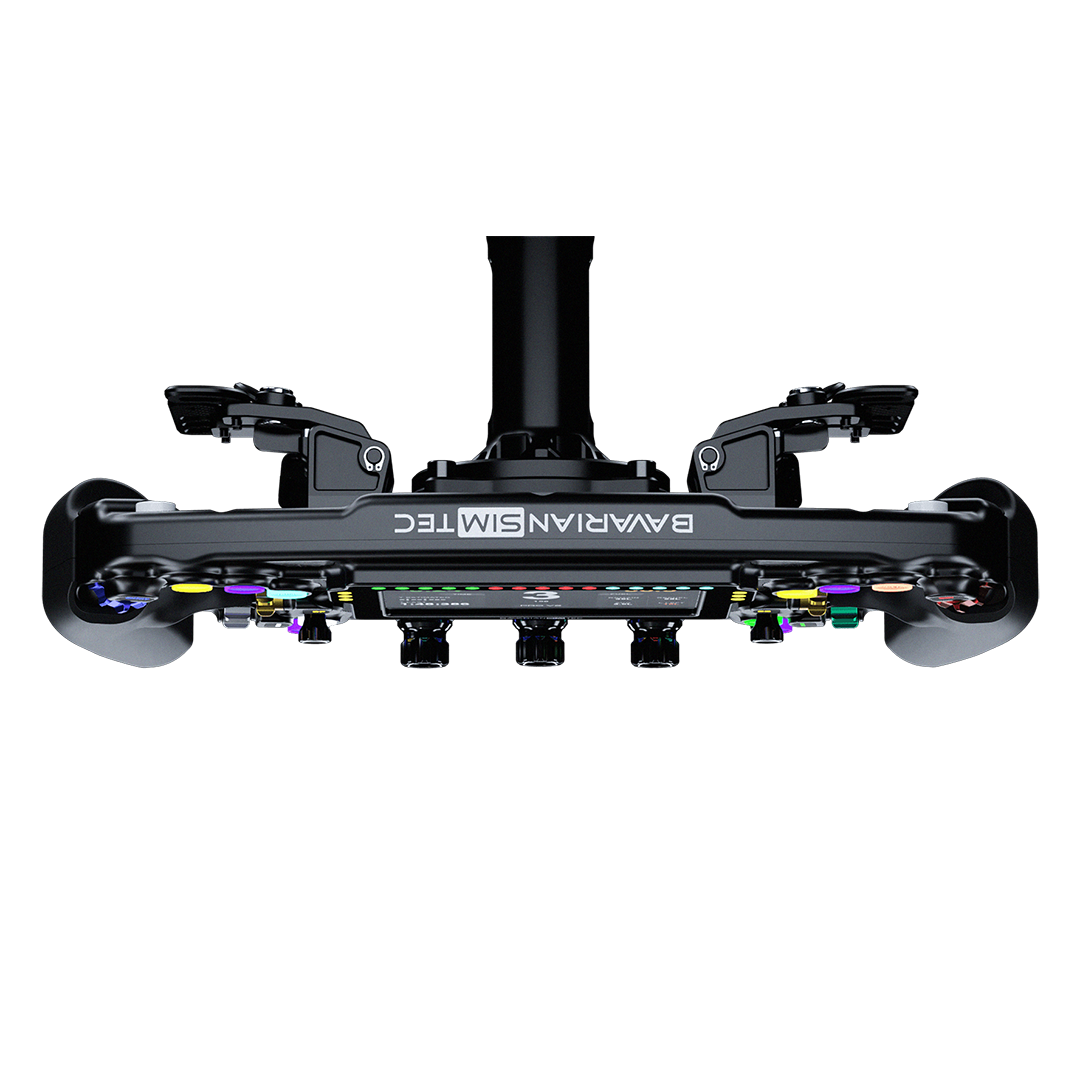
The included MagicArm mounting system gives you 360° adjustment freedom — position the ControlCenter exactly where you need it, at exactly the right angle. The included ¼" T-nut mounts directly to standard aluminium extrusion profiles found on virtually all sim rigs. Once locked in, it stays put. No wobble, no slipping, no compromise.
At a Glance.

Every Angle.


Product details
BavarianSimTec | ControlCenter
If you have any questions, you are always welcome to contact us. We'll get back to you as soon as possible, within 24 hours on weekdays.
-
Shipping Information
Use this text to answer questions in as much detail as possible for your customers.
-
Customer Support
Use this text to answer questions in as much detail as possible for your customers.
-
FAQ’s
Use this text to answer questions in as much detail as possible for your customers.
-
Contact Us
Use this text to answer questions in as much detail as possible for your customers.
FAQs About this product
What sims and software is the ControlCenter compatible with?
Does the ControlCenter work with my sim rig?
What are the 3 USB-C hub ports used for?
What is AdaptiveBeamTec on the ControlCenter encoders?
Does the ControlCenter work alongside a BavarianSimTec steering wheel?
How long does shipping to Australia take?
Can I customise the button colours and labels?
Does the ControlCenter require any drivers or software to function?
You May also like