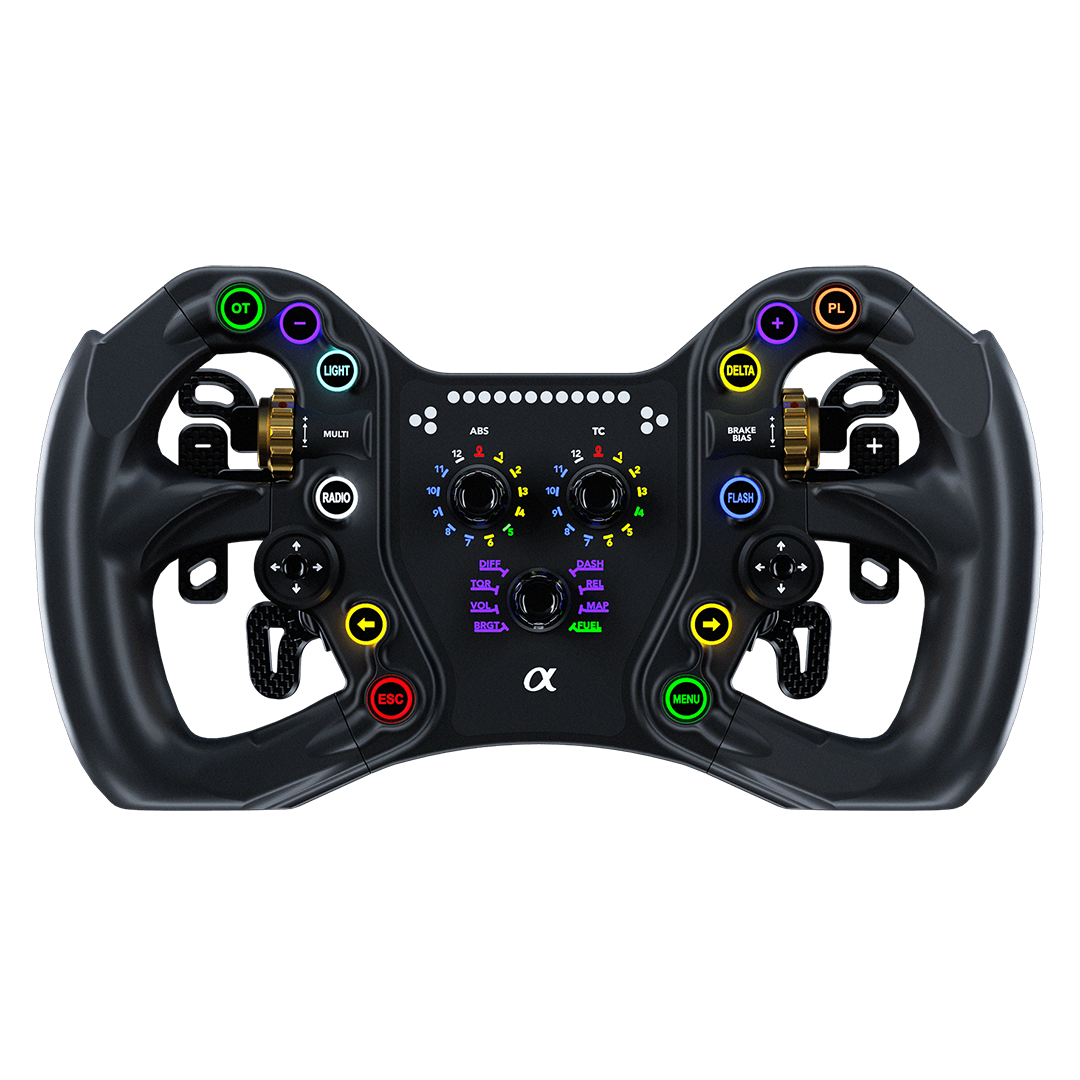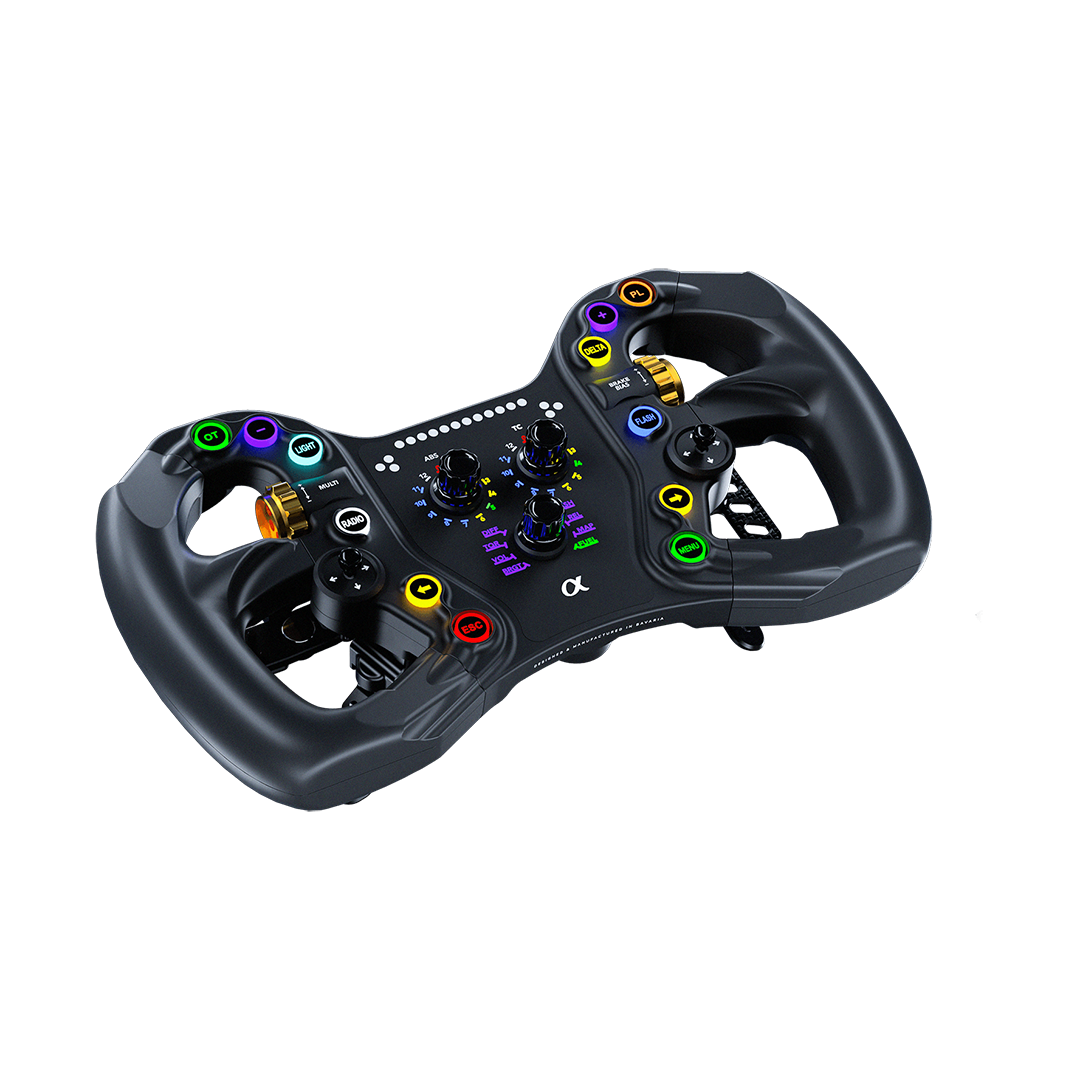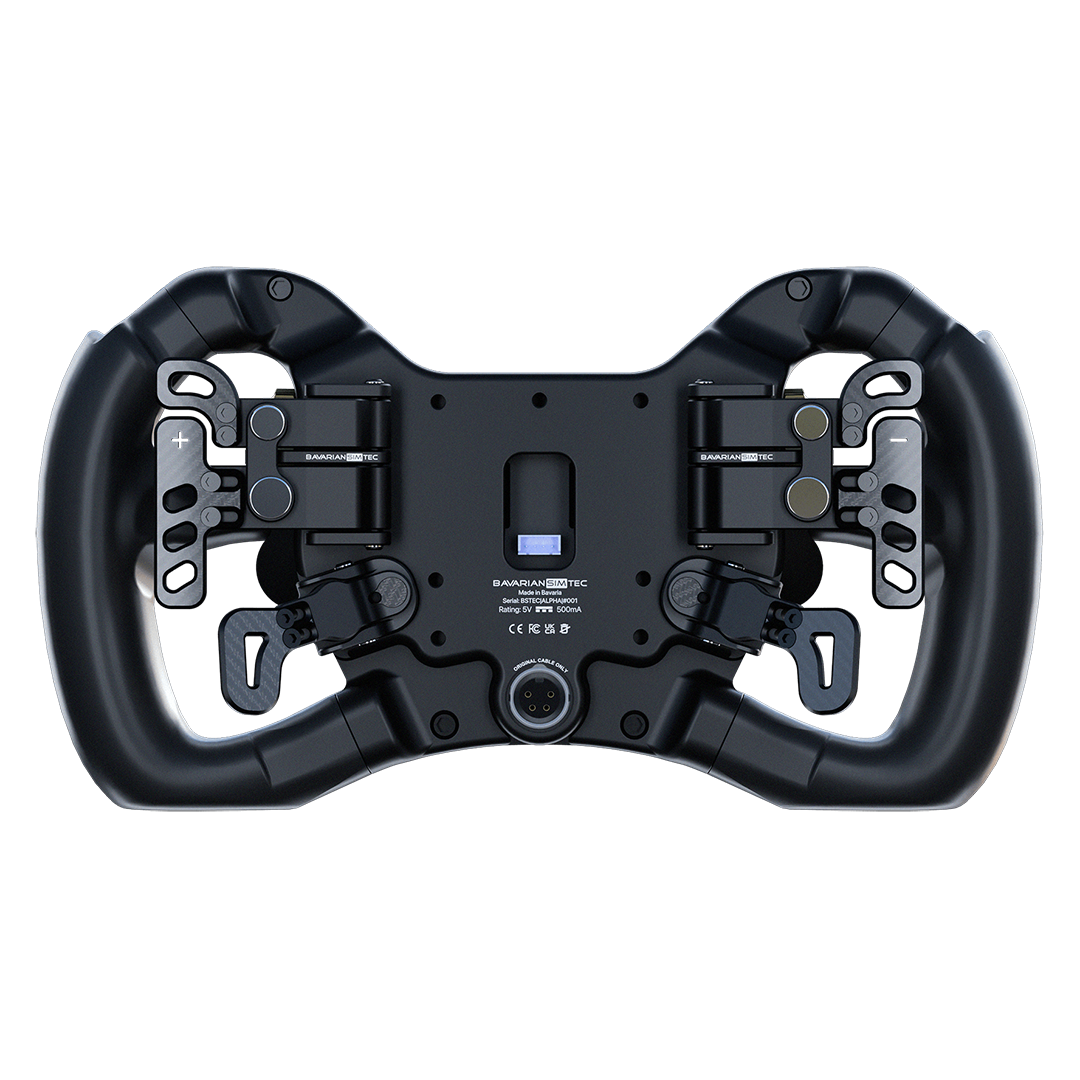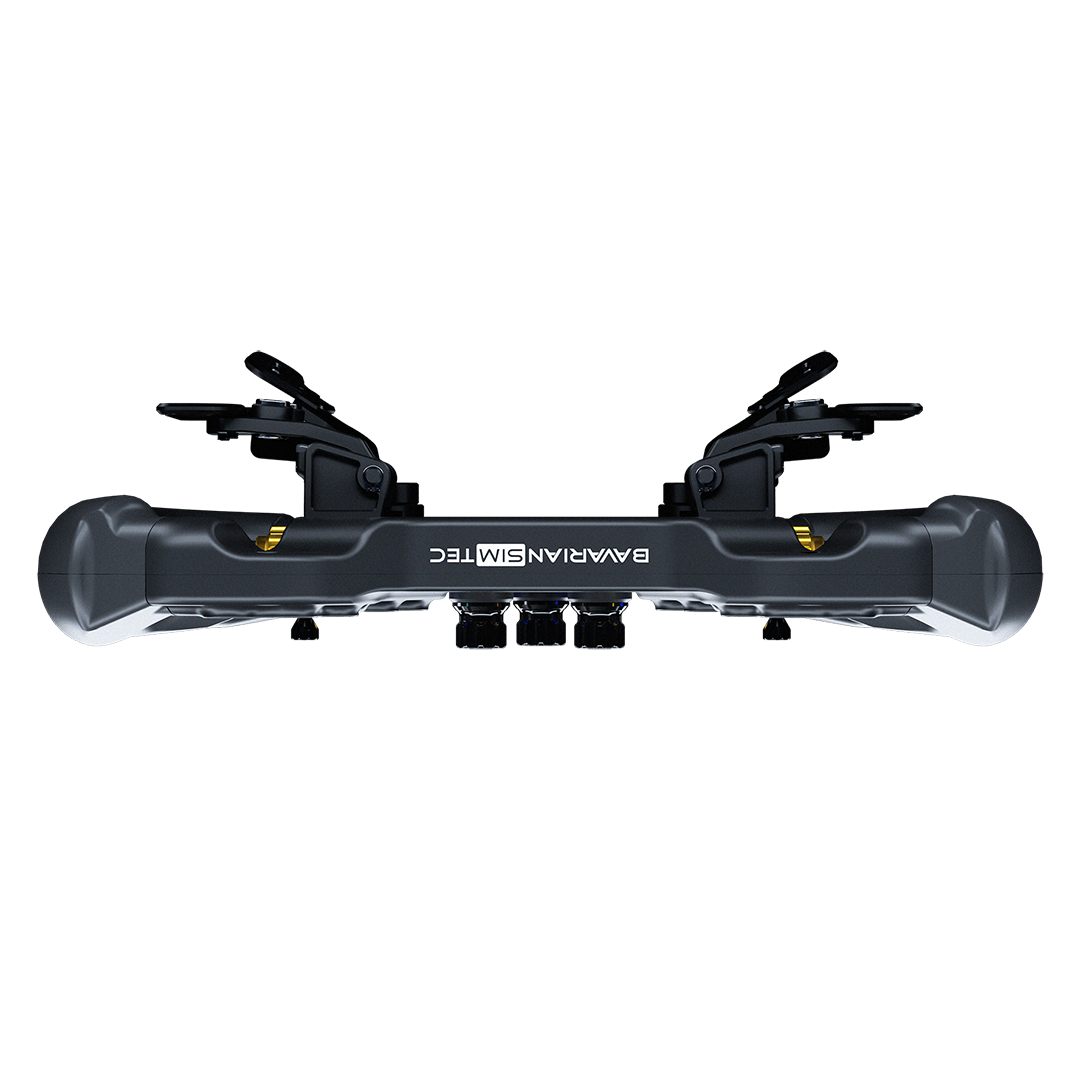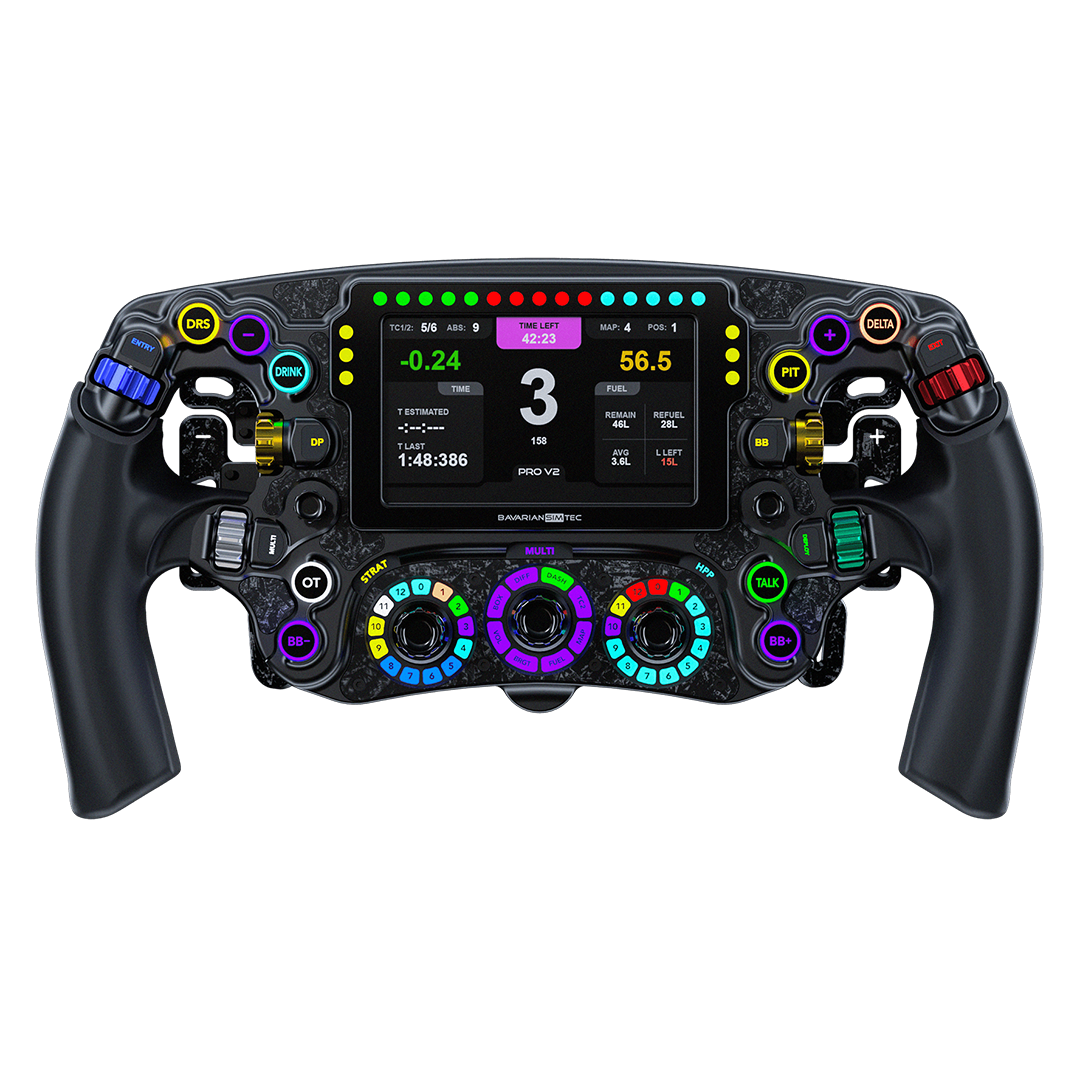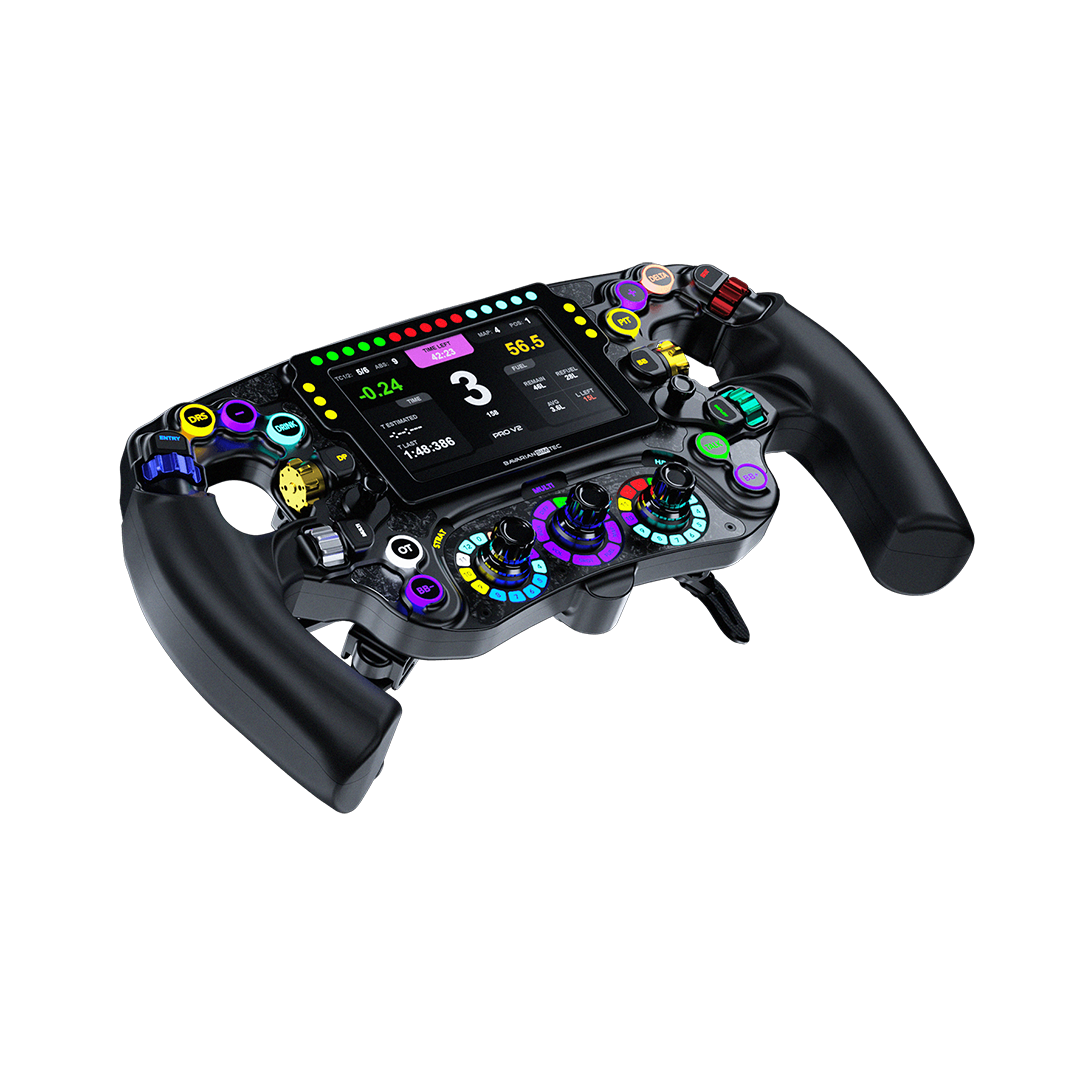


BavarianSimTec | Beacon Lights

Couldn't load pickup availability
Pickup available at Coomera Warehouse - By Appointment Only
Usually ready in 24 hoursPickup is currently only available by appointment only during business hours. Please contact us to arrange a time.
Brands You Can Trust
Manufacturer Warranty
Fast and Affordable Shipping
30 Day Returns

Get More Feeling with BeaconLights.

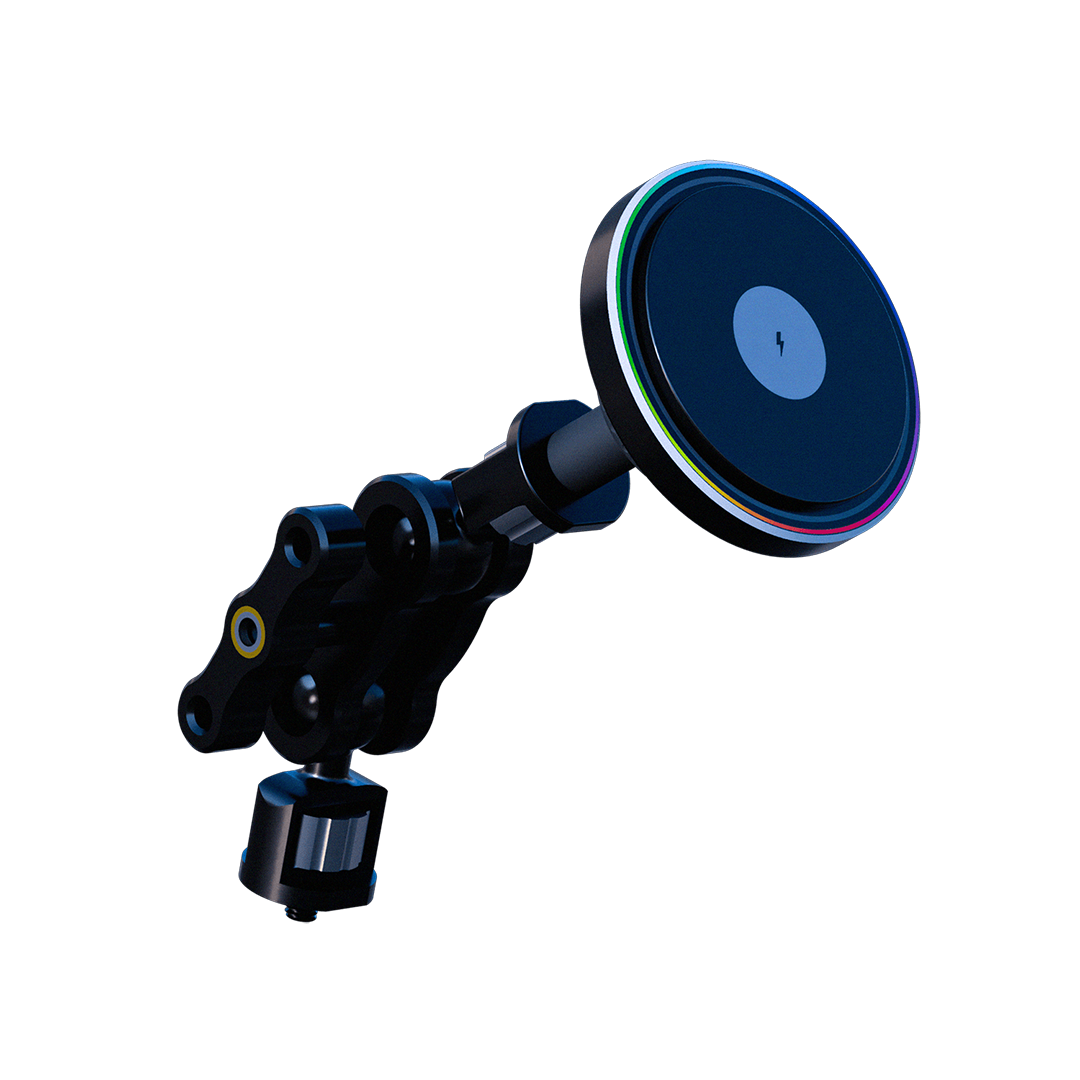
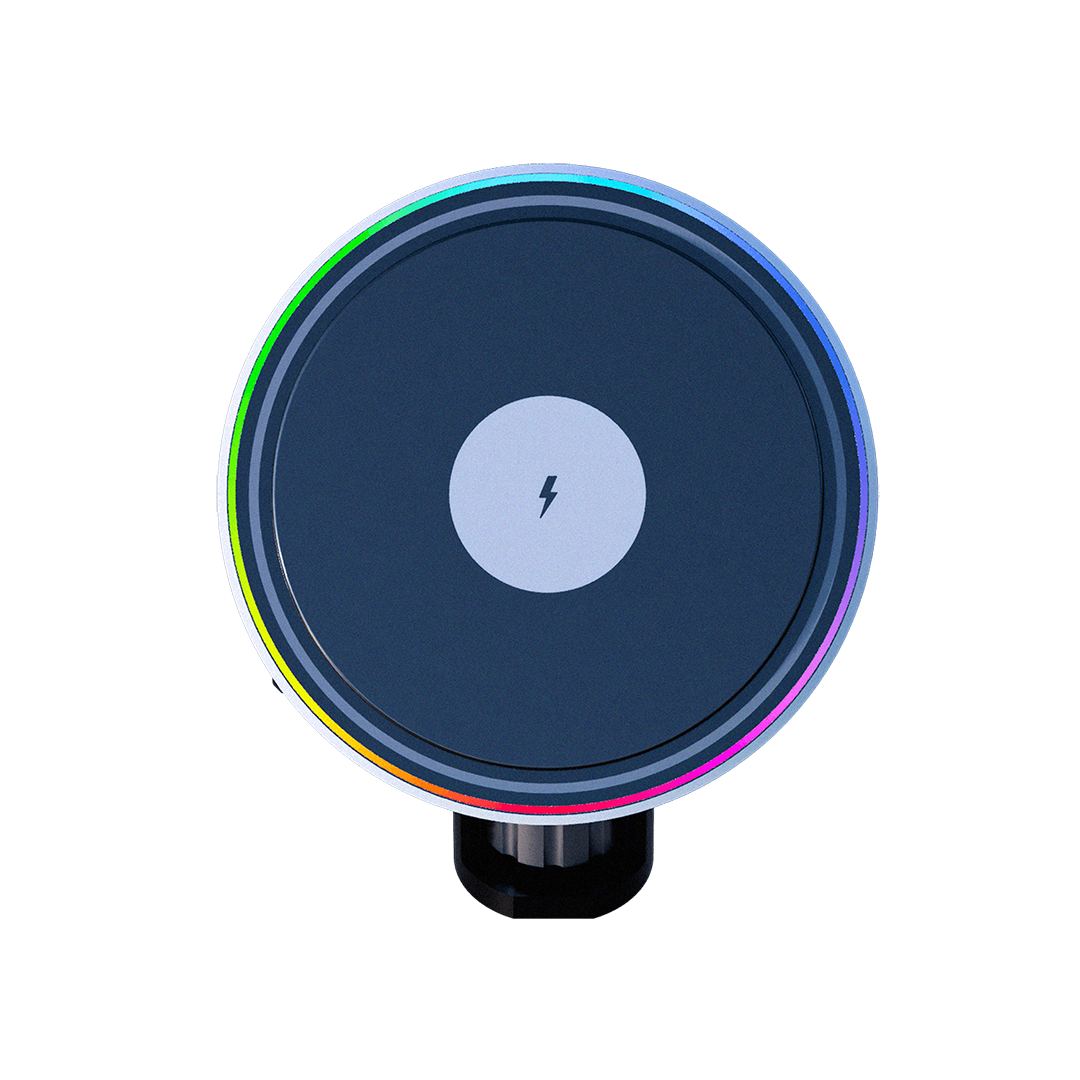
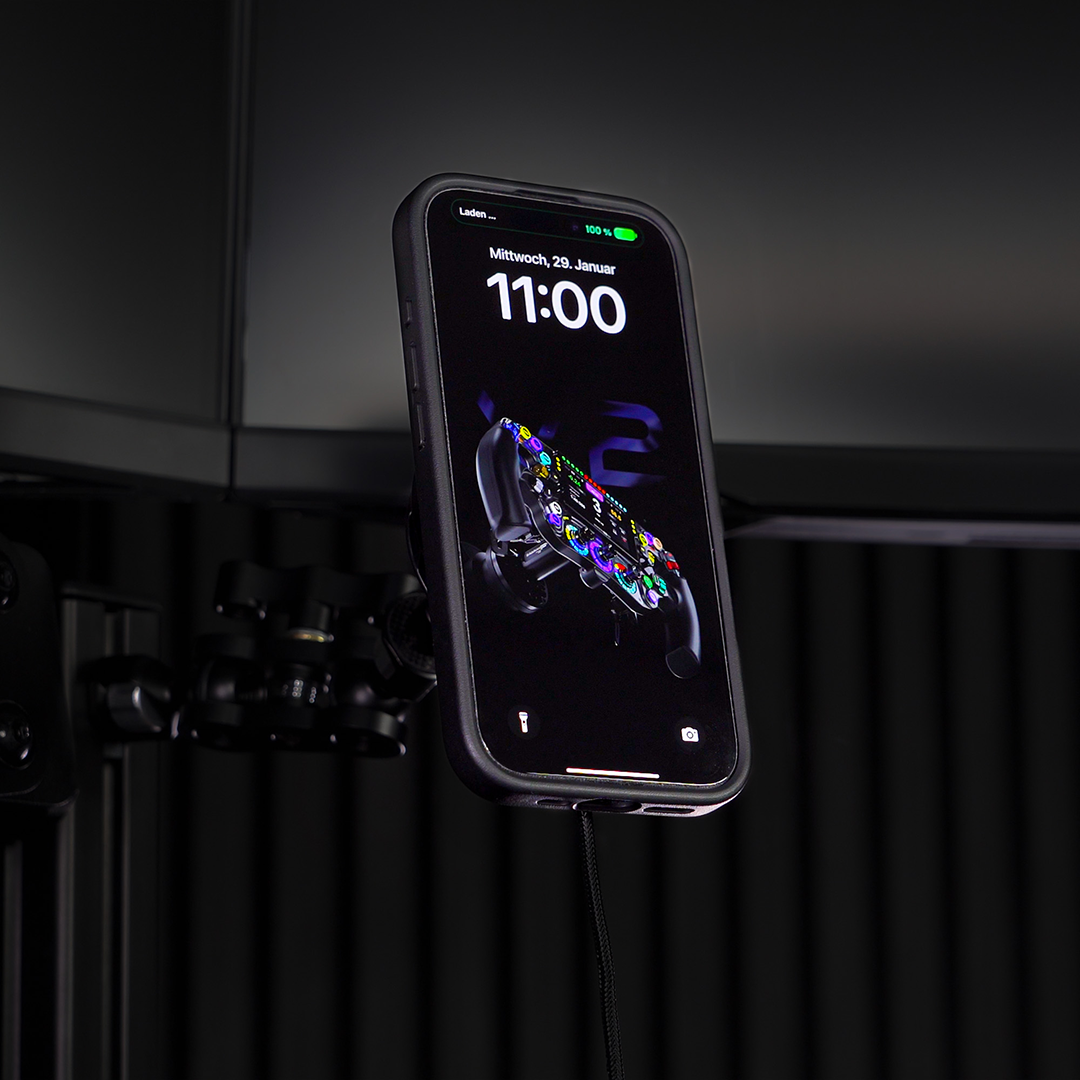
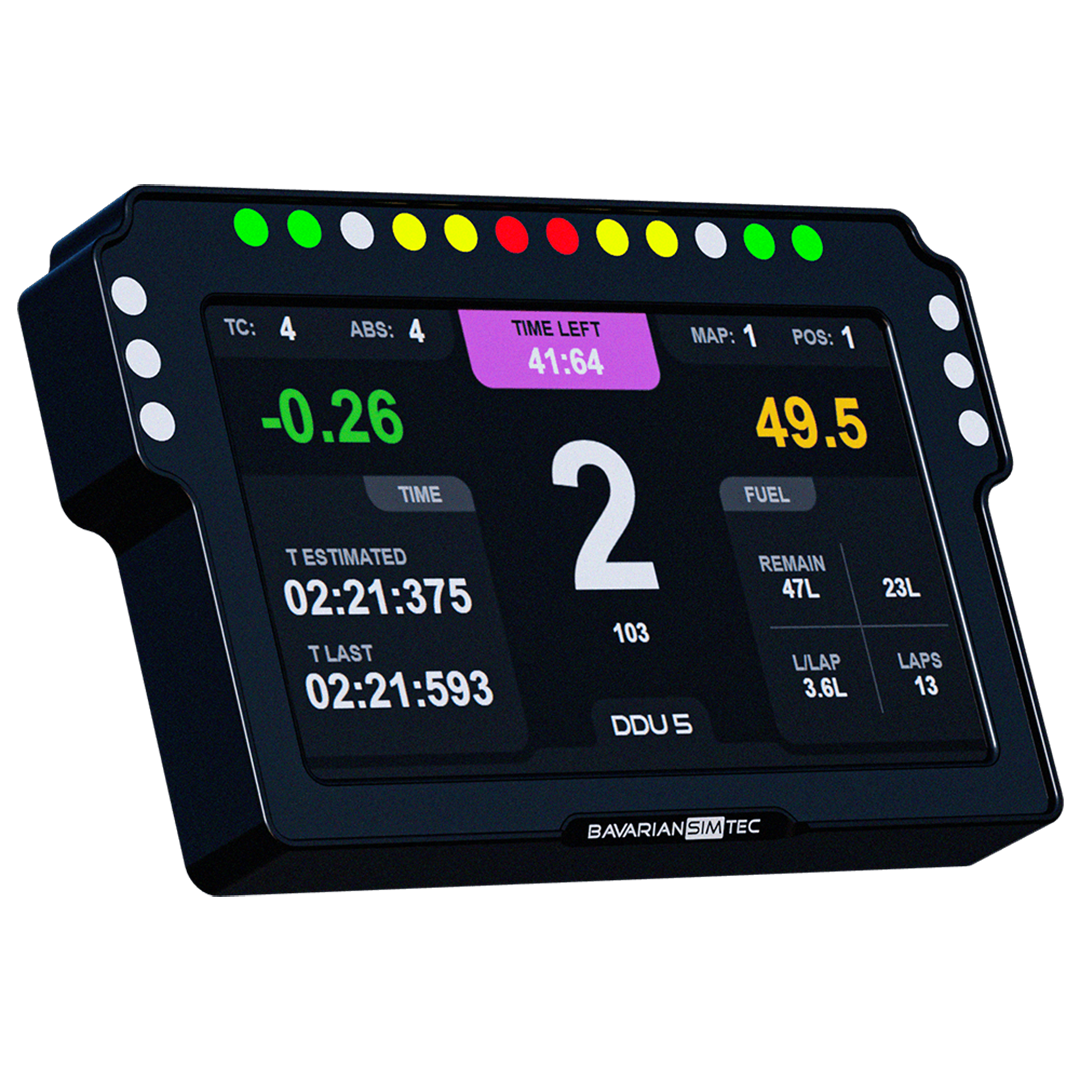
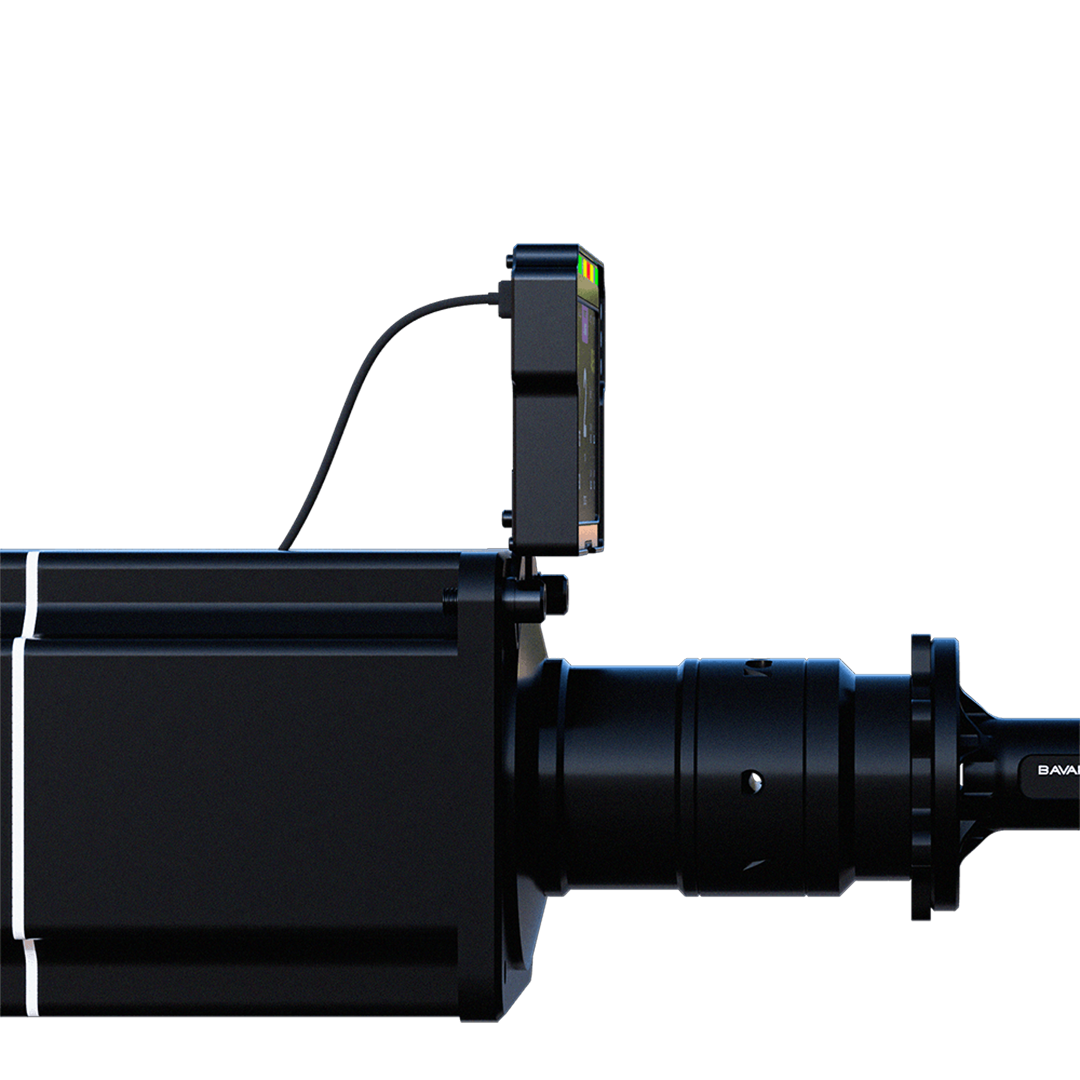
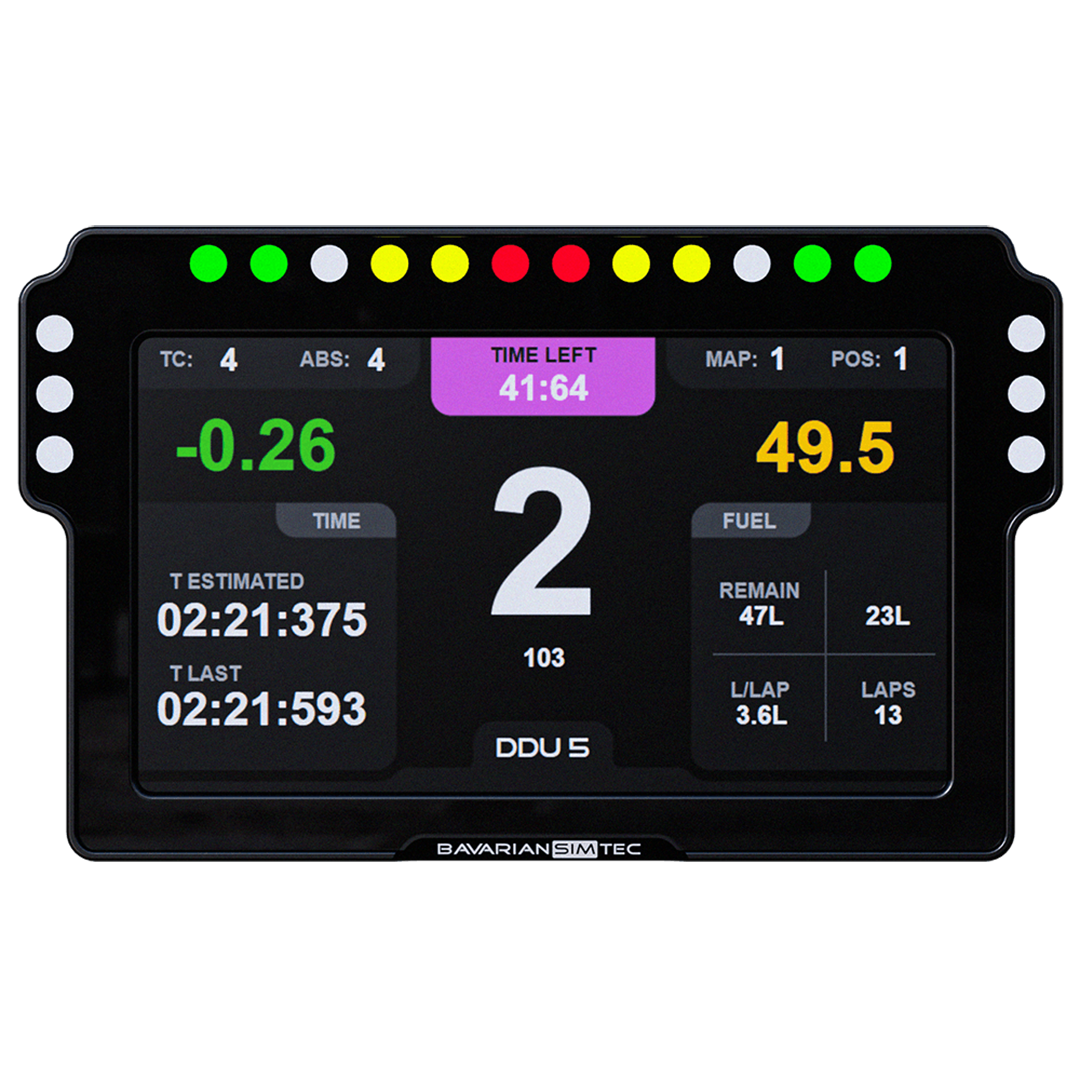
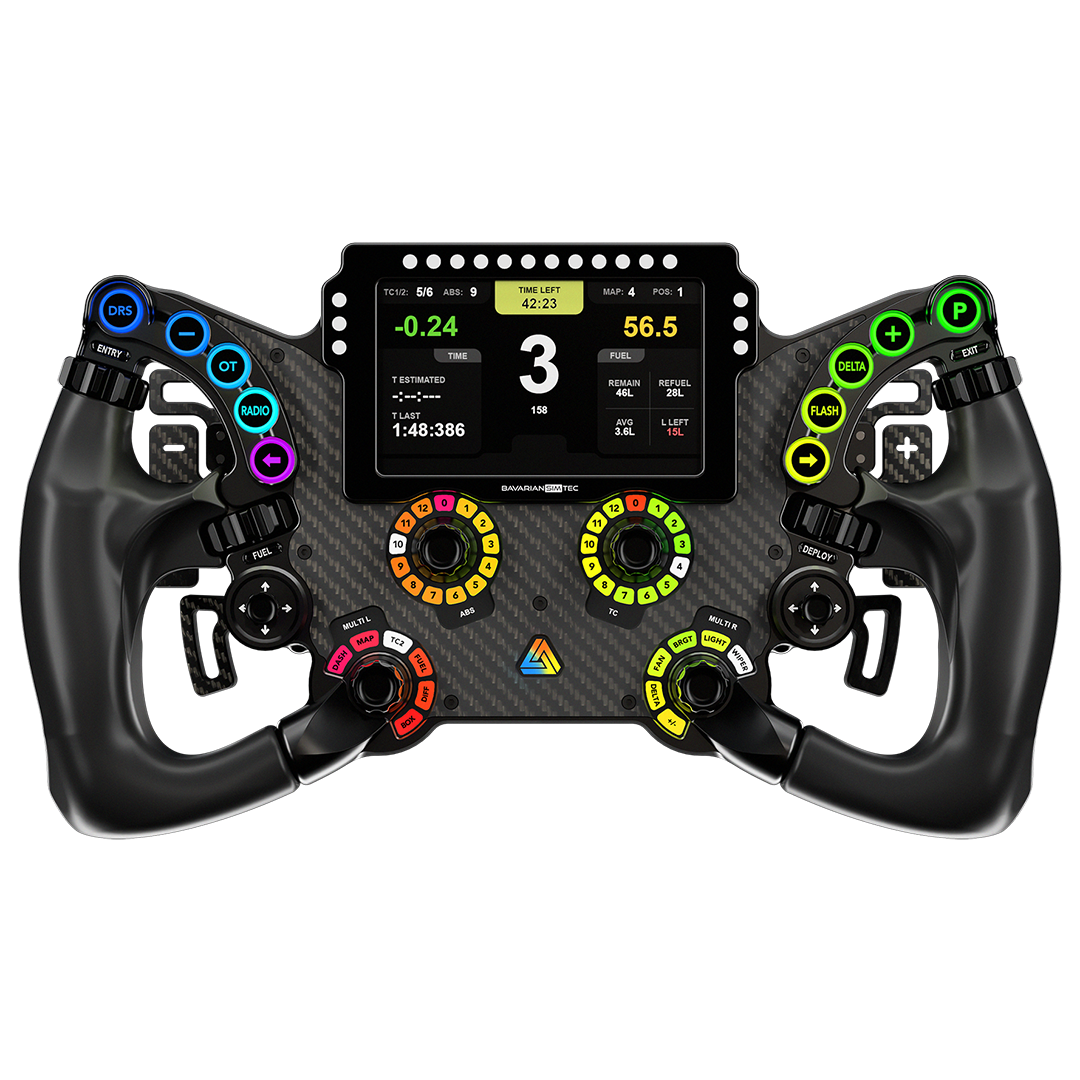
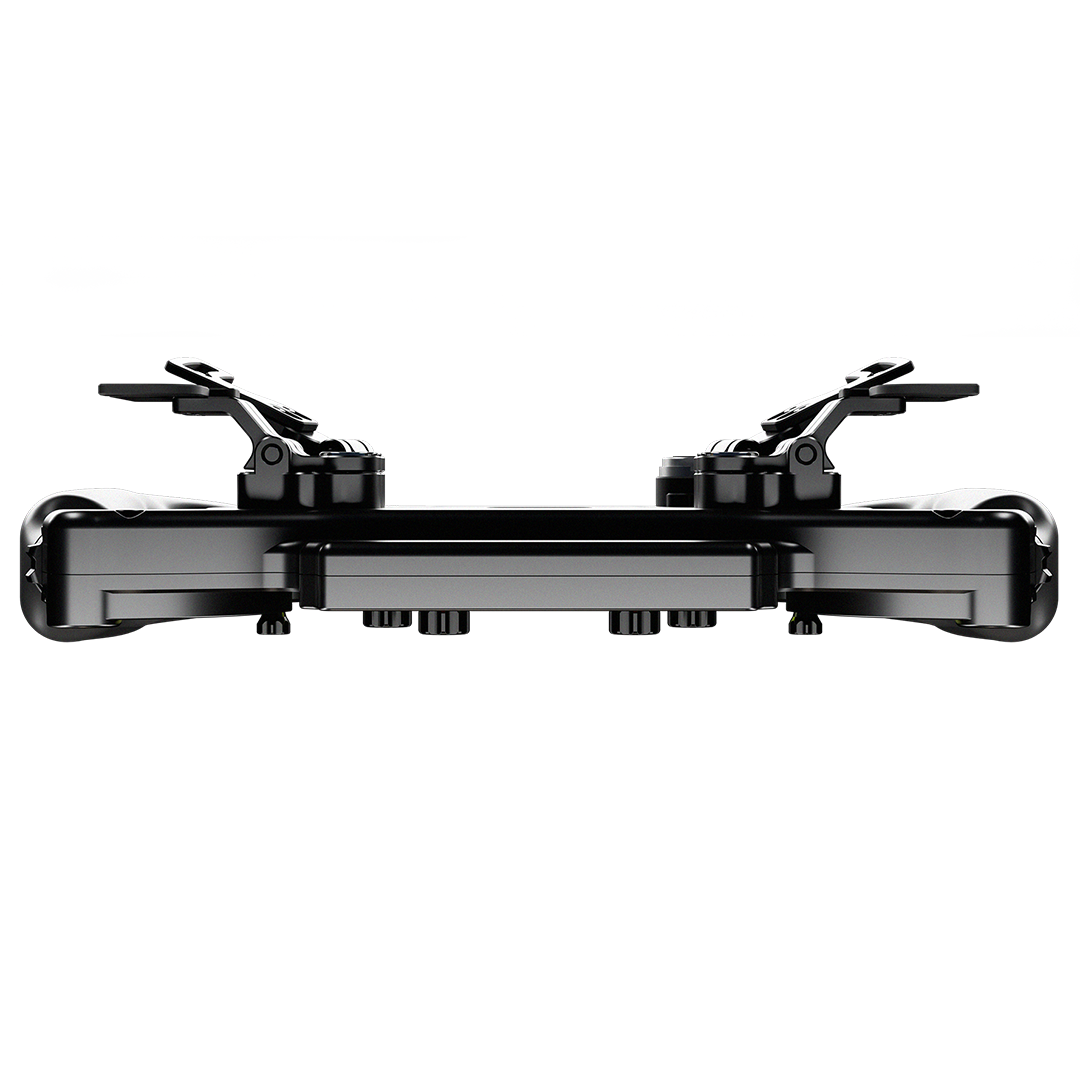
The BavarianSimTec BeaconLights are peripheral LED modules designed exclusively for the DDU5 dashboard. Two slim carbon-mounted bars — each with 9 individually addressable RGB LEDs — sit in your peripheral vision and deliver spotter warnings, flag signals, ABS/TC alerts, and low fuel notifications exactly where your eyes naturally wander. No screen glancing. No missed alerts. Connect via the DDU5's dedicated BeaconLight port — no additional USB port required.
- 9 RGB LEDs per unit — 18 total across both bars
- Configurable in SimHub for spotter, flags, ABS/TC, low fuel and more
- Connects directly to DDU5 — no extra USB port needed
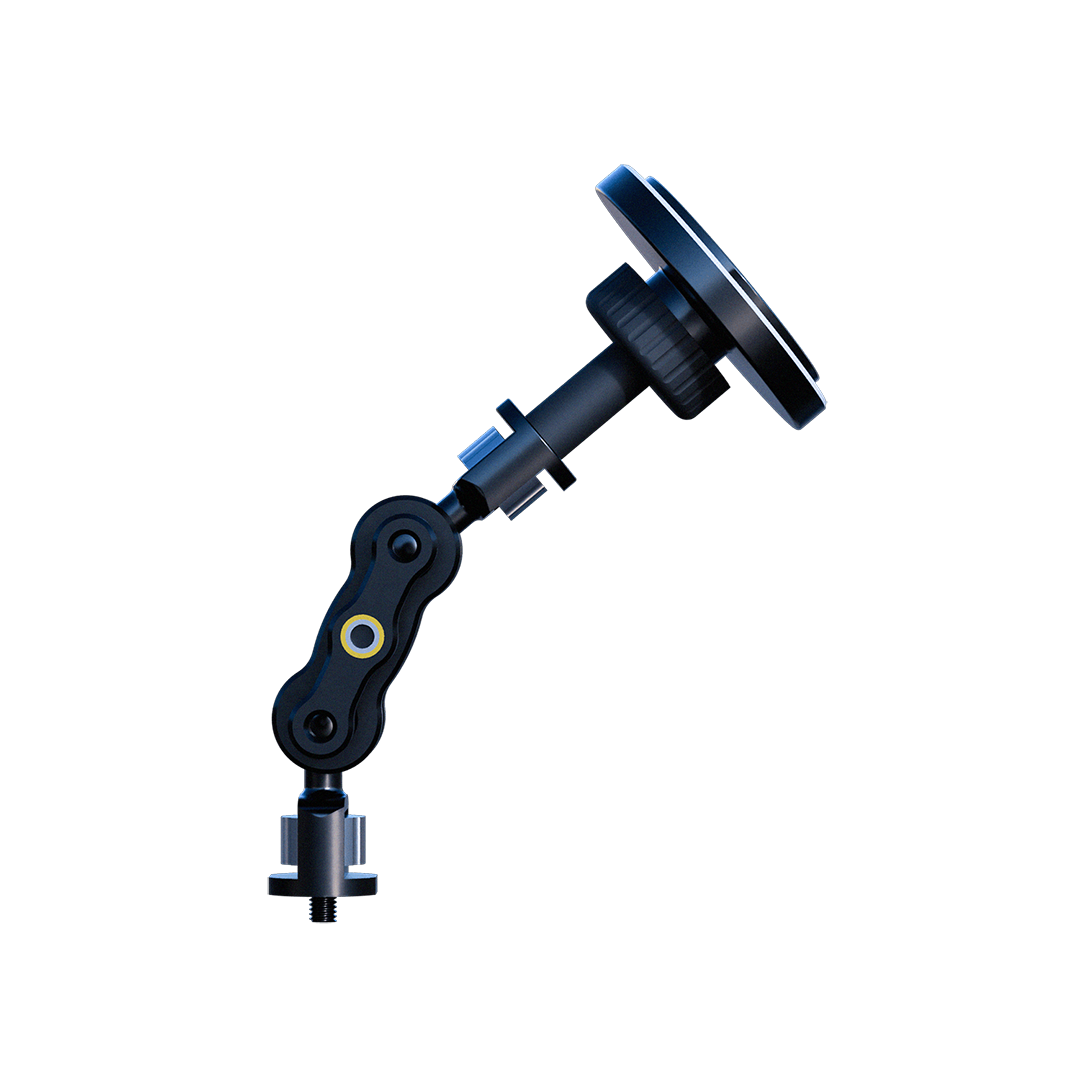
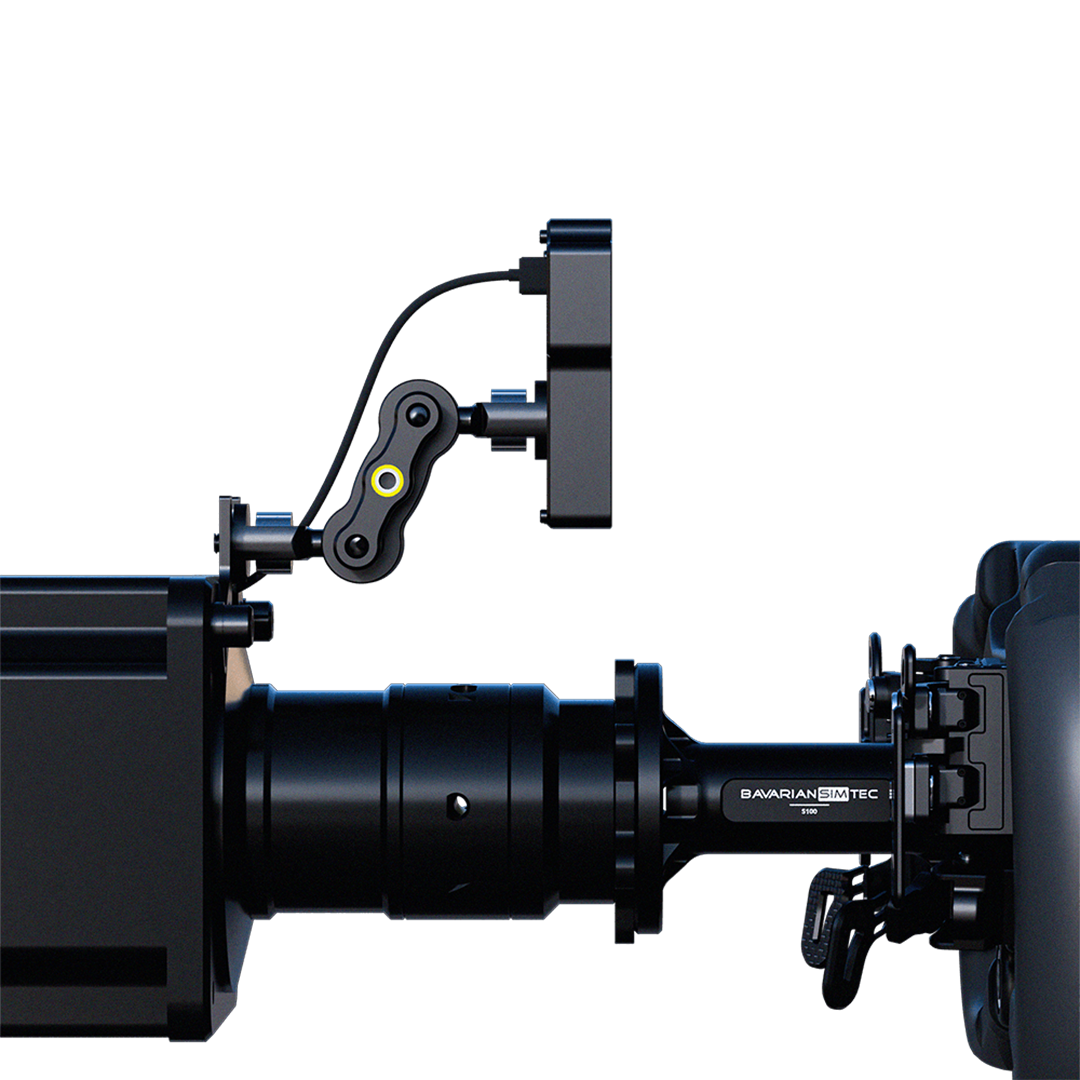
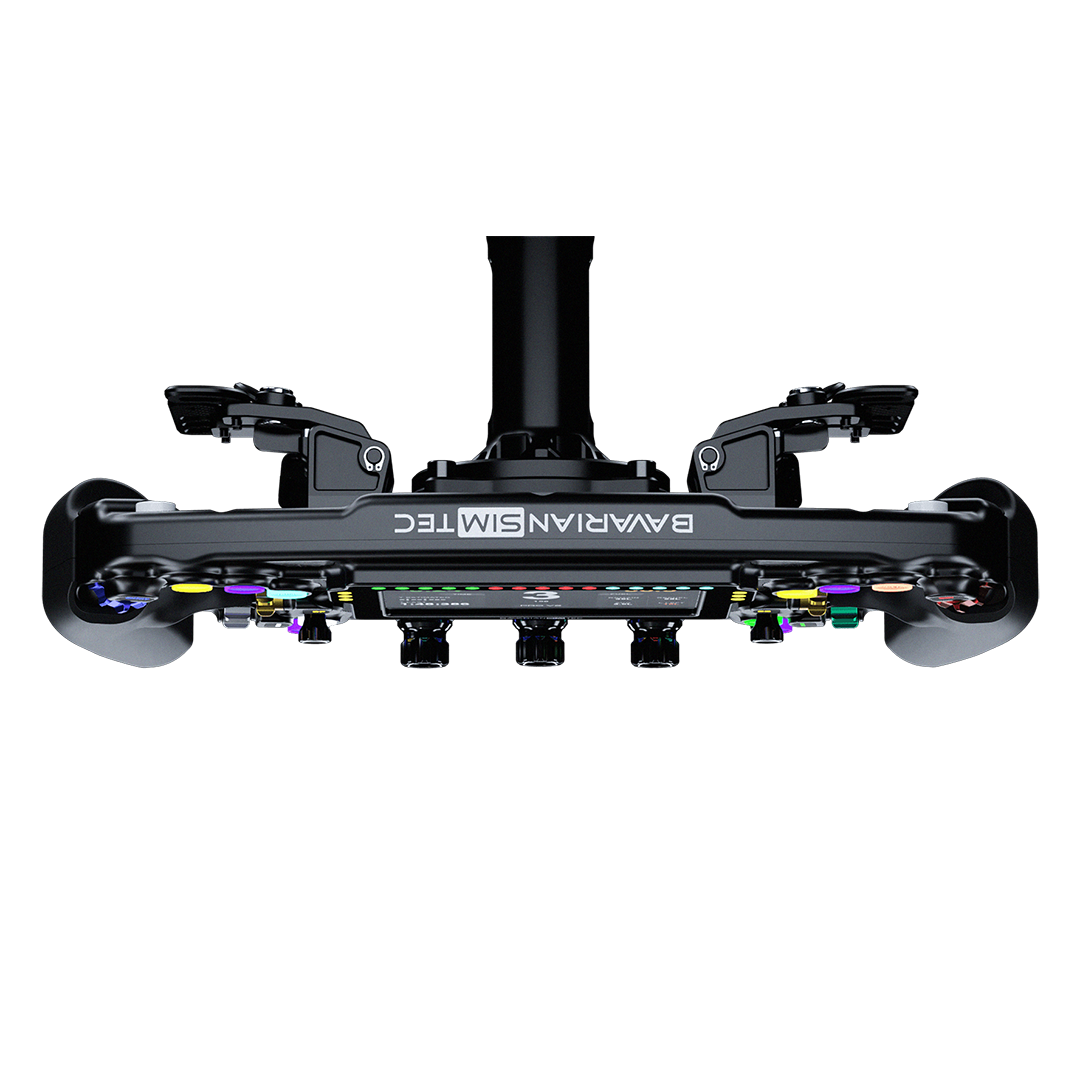
- Carbon mounting arm with USB-C to USB-C (0.3m) cable included
- Designed & manufactured in Bavaria, Germany
At a Glance.

Every Angle.

Product details
BavarianSimTec | Beacon Lights
If you have any questions, you are always welcome to contact us. We'll get back to you as soon as possible, within 24 hours on weekdays.
-
Shipping Information
Use this text to answer questions in as much detail as possible for your customers.
-
Customer Support
Use this text to answer questions in as much detail as possible for your customers.
-
FAQ’s
Use this text to answer questions in as much detail as possible for your customers.
-
Contact Us
Use this text to answer questions in as much detail as possible for your customers.
FAQs About this product
Do BeaconLights work without the DDU5?
How many BeaconLights do I need for a full setup?
What can BeaconLights display?
Do BeaconLights need their own USB port?
How do I configure BeaconLights?
What sims are supported?
How do BeaconLights mount to my rig?
How long does shipping to Australia take?
You May also like